What is FliFlik Online Screen Recorder?
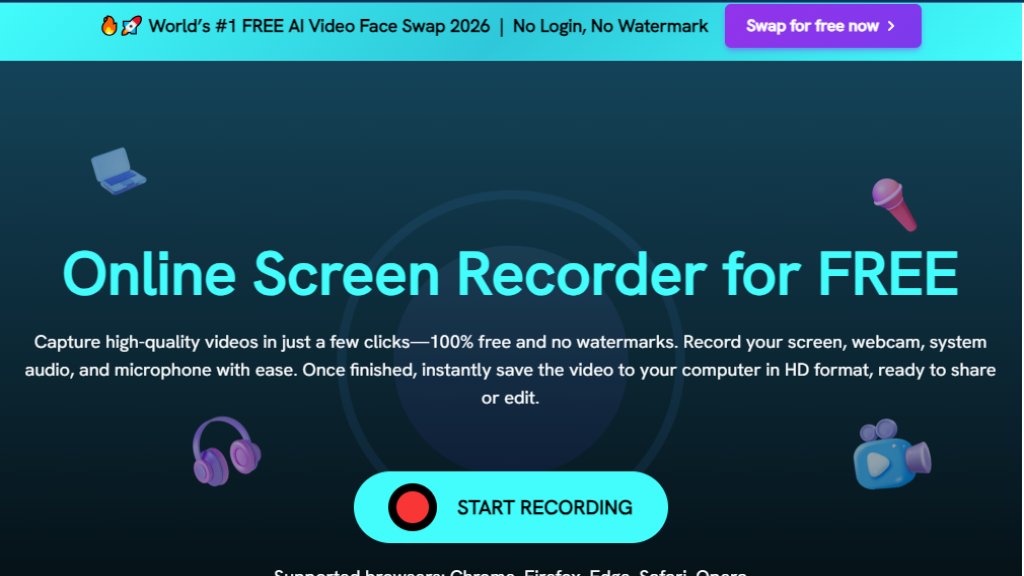
FliFlik Online Screen Recorder is a convenient web-based tool designed for capturing screen activity directly through your internet browser. It eliminates the need for software downloads or installations, making it highly accessible and easy to use. This intelligent tool allows users to record their computer screen, webcam, system audio, and microphone inputs effortlessly. It boasts a completely free service, requiring no sign-up or login, and ensures recordings are watermark-free. The entire recording process is handled locally within the browser, prioritizing user privacy and security by not uploading data to external servers. It's a powerful solution for anyone needing to create quick, high-quality screen recordings for various purposes, from educational content to professional presentations.
Main Features
1. Browser-Based Operation: Records directly from your web browser, eliminating the need for software installation.
2. Zero Cost: Completely free to use with no hidden charges or subscriptions.
3. No Watermarks: Provides clean, professional recordings without any intrusive watermarks.
4. No Sign-Up Required: Users can start recording immediately without creating an account or logging in.
5. Flexible Recording Options: Captures screen, webcam, system audio, and microphone simultaneously or independently.
6. High Privacy and Security: All recording processes occur locally in your browser, ensuring your data remains private and is never uploaded to external servers.
7. Unlimited Recording Time: Offers unrestricted recording duration without any time limits.
8. Instant Saving: Allows users to preview and save recorded videos to their computer in HD format immediately after stopping the recording.
9. Broad Browser Compatibility: Supports popular browsers such as Chrome, Firefox, Edge, Safari, and Opera.
Use Cases
1. Online Teaching and Tutorials: Educators can easily record lectures, step-by-step guides, or how-to videos for students and online courses.
2. Work Presentations and Software Demos: Professionals can capture workflows, demonstrate software functionalities, or create polished client presentations.
3. Recording Online Videos and Live Streams: Users can record content from platforms like YouTube, online courses, or other streaming services for later viewing.
4. Game Highlights and Real-Time Recording: Gamers can capture browser-based gameplay or interactive sessions without installing dedicated software.
5. Creating Product Reviews: Individuals can record their screen to showcase product features or user experiences.
6. Troubleshooting and Support: IT professionals or users can record issues to better communicate problems to support teams.
Pricing Plans
FliFlik Online Screen Recorder is offered completely free of charge.
1. Free Plan: This tool is 100% free to use, requires no sign-up or login, and does not include any watermarks on recordings. All features described are available without any cost or limitations.
Frequently Asked Questions
1. Q: Do I need to install an app to record my screen?
A: No, FliFlik Free Online Screen Recorder allows you to record directly from your browser, requiring no downloads or installations. It works seamlessly on both Windows and Mac.
2. Q: Is it safe to record screen online?
A: Yes, it is 100% secure. All recordings are processed locally in your browser and are never uploaded to any server, ensuring your data remains private and safe.
3. Q: How long can I record using the screen recorder?
A: There is no time limit. You can record your screen for as long as you need, completely free and without restrictions.
4. Q: Can I use it to record videos from online websites?
A: Yes, you can. The screen recorder allows you to capture videos with audio from platforms like YouTube and other streaming websites.
Pros and Cons
Pros:
1. Completely free with no hidden costs or watermarks.
2. Extremely convenient as it requires no software installation or sign-up.
3. Prioritizes user privacy by processing recordings locally.
4. Flexible recording options include screen, webcam, system audio, and microphone.
5. Unlimited recording duration, perfect for longer sessions.
Cons:
1. Dependent on browser performance and stability.
2. May lack advanced editing features found in dedicated desktop applications.
3. Internet connection is required to access and initiate the tool.
4. Offline recording is not possible.
Recommendation Rating
8/10 (Excellent for quick, free, browser-based screen recording, though lacks advanced editing.)



Please login to post a comment
Login