What is RemoveBGVideo?
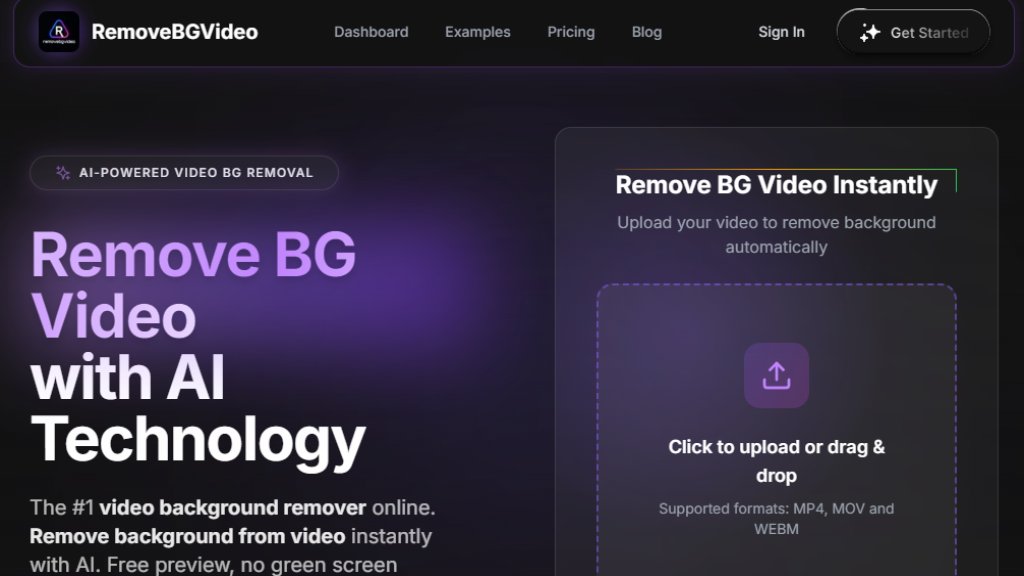
RemoveBGVideo is an online, automated tool designed to remove backgrounds from videos. It uses intelligent technology to detect subjects and separate them from their backgrounds, eliminating the need for a physical green screen or complex editing software. Users can upload videos and receive a processed version with a transparent background or a custom background of their choice. The service operates on a pay-as-you-go credit system, allowing users to pay only for the processing time they need. It is positioned as a specialized solution for content creators, marketers, and businesses looking to produce professional-looking videos quickly and conveniently.
Main Features
1. Intelligent Background Removal: Automated AI detects and removes video backgrounds with precision for people, pets, and products.
2. No Green Screen Required: Works with any footage shot in regular environments.
3. Free Preview: Allows users to see the removal results before purchasing credits for the full export.
4. High-Quality Output: Supports processing and export in up to 4K resolution, maintaining original video quality.
5. Multiple Export Formats: Offers various output options including transparent WebM, MOV with alpha channel, PNG sequences, GIF, and WebP.
6. Fast Processing: Utilizes GPU-accelerated technology for rapid results, often within minutes.
7. Batch Processing: Available on higher-tier plans, enabling users to process up to 20 videos at once.
8. Flexible Background Options: After removal, users can choose solid colors, transparent backgrounds, or upload custom images.
9. Generous File Limits: Supports videos up to 60 minutes in length and 500MB in file size.
10. Secure Processing: Ensures user data and uploads are handled securely.
Use Cases
1. Content Creation: Ideal for YouTubers, TikTokers, and Instagram creators to produce clean, studio-quality videos from any location.
2. E-commerce and Product Marketing: Businesses can create professional product demonstration videos with custom backgrounds without expensive shoots.
3. Personal Branding and Online Courses: Coaches, educators, and professionals can enhance their video presentations and training materials.
4. Social Media Influencers: Enables influencers to create engaging content with varied backgrounds to match different campaigns or aesthetics.
5. Corporate Communications: Useful for creating polished internal training videos or executive announcements with branded backgrounds.
6. Creative Projects: Artists and designers can isolate subjects for animations, composites, or other digital art projects.
7. Migration from Other Services: Serves as a powerful alternative for users of now-defunct services like Unscreen.
Supported Languages
1. The primary language of the website and user interface is English. There is no explicit mention of support for other languages in the provided materials.
Pricing Plans
1. Basic Plan: $6 for 180 credits (3 minutes of processing). Includes 4K processing, transparent background exports (WebM, MOV, PNGs, GIF, WebP), and free preview.
2. Standard Plan: $20 (normally $30) for 900 credits (15 minutes of processing). Adds batch processing and upcoming API access.
3. Pro Plan: $45 (normally $120) for 3600 credits (60 minutes of processing). Includes batch processing and upcoming API access.
4. Business Plan: $90 (normally $300) for 9000 credits (150 minutes of processing). Adds priority support.
5. Enterprise Plan: $180 (normally $720) for 21600 credits (360 minutes of processing). Includes priority support.
6. Premium Plan: $500 (normally $2000) for 60000 credits (1000 minutes of processing). Includes priority support.
All plans operate on a pay-as-you-go model where purchased credits do not expire. Custom pricing is available for higher volumes.
Frequently Asked Questions
1. Q: Is the video background remover free?
A: A free preview is available for every upload. Full HD exports require payment starting at $0.50 per minute.
2. Q: Do I need a green screen to remove the background from a video?
A: No green screen is required. The intelligent tool works with videos shot anywhere.
3. Q: What video formats are supported for background removal?
A: Supported upload formats are MP4, MOV, and WebM, with files up to 60 minutes and 500MB.
4. Q: How long does it take to remove a video background?
A: Most videos under 5 minutes are processed in 1-2 minutes due to GPU acceleration.
5. Q: Can I change the video background after removal?
A: Yes, you can choose solid colors, transparent backgrounds, or upload custom images.
6. Q: Is there an API for the video background remover?
A: API access is coming soon for developers and businesses.
Pros and Cons
Pros:
- No subscription required; convenient pay-as-you-go pricing.
- Powerful automated processing that works without a green screen.
- Offers a free preview feature to check results before buying.
- Supports high-quality 4K video and multiple export formats.
- Fast processing powered



Please login to post a comment
Login