What is Roblox GUI Maker?
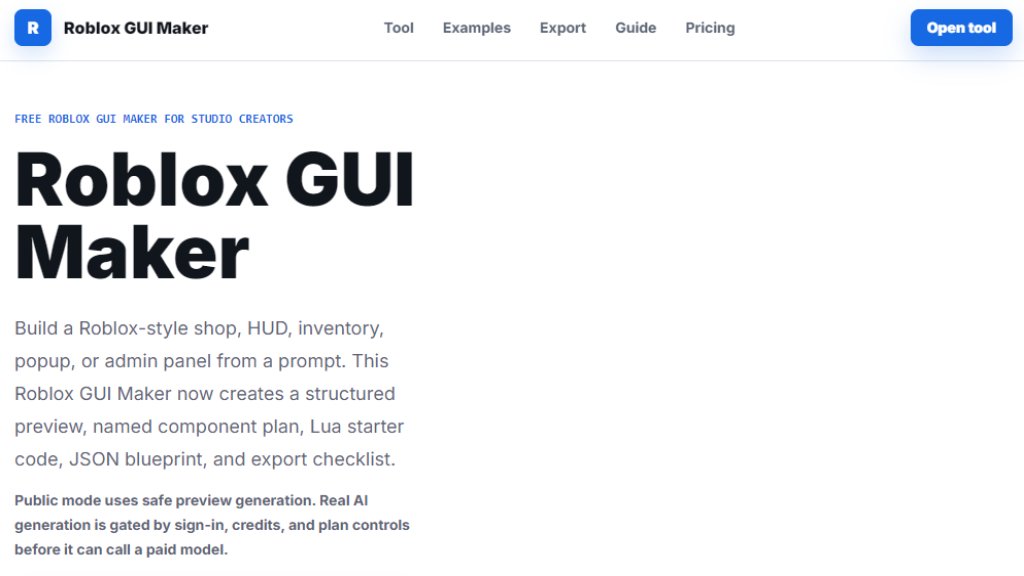
Roblox GUI Maker is an innovative AI tool that helps Roblox Studio creators generate graphical user interfaces (GUIs) from simple text descriptions. Instead of manually designing and coding every UI element, users can type a prompt describing the desired GUI, such as a shop menu, HUD, or admin panel. The tool then produces a structured preview with named components, a Lua starter code, a JSON blueprint, and an export checklist. It supports various styles like Bright Roblox, Dark Neon, and Retro Arcade, and offers both mobile and desktop previews. The free version provides a safe preview generation, while paid plans unlock full AI generation with higher limits and saved projects. This tool is designed to save time and streamline the workflow for both solo developers and small teams.
Main Features
- Prompt-based GUI generation: Describe the GUI in natural language, and the tool creates a structured layout.
- Live preview: See the GUI in mobile and desktop views before exporting.
- Lua starter code export: Download a ready-to-use Lua script for Roblox Studio.
- JSON blueprint: Export the GUI structure as JSON for future use or backend integration.
- Component hierarchy: The generated plan includes named parts like HeroPanel, buttons, and labels with notes.
- Multiple UI types: Supports main menu, shop, inventory, HUD, admin panel, reward popup, and obby UI.
- Style presets: Choose from Bright Roblox, Dark Neon, Clean Mobile, and Retro Arcade themes.
- Saved projects (paid): Creator and Studio plans allow saving up to 50 GUI projects.
- Team collaboration (Studio plan): Shared project library and brand style kits for teams.
- Export checklist: Provides a step-by-step guide for implementing the GUI in Studio.
Use Cases
- Creating a main menu for a Roblox adventure game with play button, update notes, and shop shortcut.
- Designing a pet simulator shop with rarity tabs, coin/gem prices, and buy buttons.
- Building an inventory screen for a tower defense game with unit cards and upgrade options.
- Developing a trading GUI with two player offer panels and confirmation countdown.
- Setting up an admin command panel with player list, search, and moderation buttons.
- Generating a daily reward popup with streak counter and bonus slots.
- Prototyping a simulator HUD with coin counter, rebirth button, and progress bars.
- Making an obby checkpoint HUD with timer, stage number, and skip prompts.
- Planning mobile-friendly layouts with safe zones and touch targets.
Supported Languages
- English (primary interface and prompts)
- The tool's prompt input accepts natural language, likely supporting multiple languages, though the interface is in English.
Pricing Plans
- Free: $0/month. Includes prompt to GUI preview, Lua starter export, JSON blueprint copy, six case templates, and mobile/desktop preview. No sign-in required for basic use.
- Creator: $39/month or $390/year (save $78/year). Includes everything in Free, plus 50 saved GUI projects, export Roblox Studio style tokens, component naming presets, and priority template requests.
- Studio: $69/month or $690/year (save $138/year). Includes everything in Creator, plus team project library, shared brand style kits, review checklist exports, and commercial workflow support.
Frequently Asked Questions
- Is this Roblox GUI Maker official?
No. This is an independent creator tool for drafting Roblox Studio GUI layouts, not affiliated with Roblox Corporation.
- Can I paste the Lua from this tool into Roblox Studio?
Yes, but treat it as starter Lua. Review names, sizing, events, and data wiring before using in a live game.
- What does the JSON blueprint do?
It captures the same structure as the preview, allowing future backend or saved project features to recreate the GUI plan.
- What can I make with a Roblox GUI Maker?
You can plan shops, HUDs, inventories, menus, admin panels, reward popups, obby timers, and other ScreenGui layouts.
- Can I use the Free plan without signing in?
Yes. The current tool works directly on the page for prompt drafts, preview, Lua copy, JSON copy, and Lua download.
- Do paid plans charge today?
Paid plan buttons use server-side pricing and require sign-in. If no payment provider is configured, a checkout unavailable message appears.
Pros and Cons
Pros:
- Fast and automated GUI generation from text prompts.
- Provides structured output with Lua code and JSON.
- Free tier available with no sign-in for basic use.
- Supports multiple UI types and styles.
- Useful for both beginners and experienced developers.
Cons:
- Full AI generation requires paid plans.
- Limited to Roblox Studio; not for other platforms.
- Free version has limited features (no saved projects).
- Some users may need to adjust generated code for specific game logic.
Recommendation Rating
8/10 (Innovative tool that saves time for Roblox developers, with a generous free tier and affordable paid plans, though still dependent on manual refinement.)



Please login to post a comment
Login