What is unbg.video?
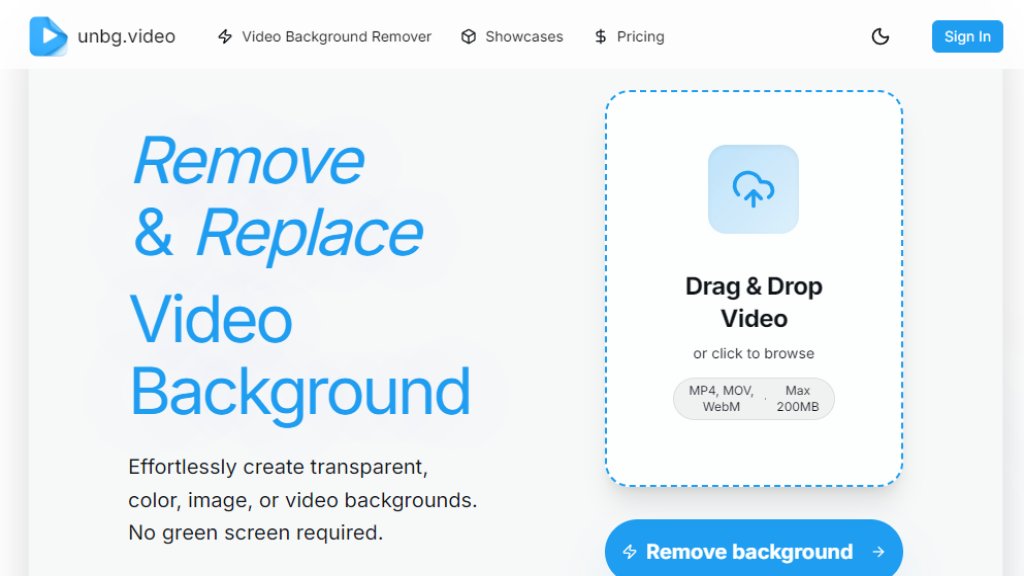
unbg.video is an automated online tool designed to remove and replace video backgrounds. It uses advanced technology to identify subjects with professional accuracy, eliminating the need for traditional green screens. Users can upload videos and quickly generate results with transparent backgrounds or replace them with solid colors, images, or other video clips. The platform is built for convenience, supporting various video formats and offering a beginner-friendly editing interface. It serves as a practical solution for content creators, marketers, and anyone needing to modify video backgrounds efficiently.
Main Features
1. Intelligent background removal without requiring green screens.
2. Automated subject identification with studio-level precision.
3. Fast background replacement with transparency, solid colors, or custom images.
4. Real-time preview and instant feedback during editing.
5. Versatile export options including MP4, MOV, and WebM formats.
6. Support for high-quality video processing up to 4K resolution.
7. User-friendly online editor suitable for beginners.
8. High-detail preservation throughout the processing workflow.
Use Cases
1. Creating professional social media content with custom backgrounds.
2. Producing educational or tutorial videos with clean, distraction-free backgrounds.
3. Enhancing marketing and promotional videos for businesses.
4. Developing creative content for YouTube channels or streaming platforms.
5. Editing personal videos for special occasions or presentations.
6. Generating transparent background videos for use in other editing projects.
7. Quickly modifying video backgrounds for e-commerce product showcases.
8. Preparing video content for professional presentations or conferences.
Supported Languages
1. The website interface and tool appear to be primarily in English based on the provided content.
2. Specific language support for processing videos with text or audio is not detailed on the analyzed pages.
Pricing Plans
1. 6,000 Credits: $6 for one-time purchase, ideal for quick tests.
2. 20,000 Credits: $18 (normally $20), perfect for social media shorts.
3. 60,000 Credits: $48 (normally $60), best value for active creators.
4. 140,000 Credits: $98 (normally $140), suitable for professional workflows.
5. 270,000 Credits: $180 (normally $270), maximum savings for high volume.
All plans include up to 4K processing, transparent backgrounds, and online editor access. Credits expire one year after purchase.
Frequently Asked Questions
1. Q: Is unbg.video a good alternative to Unscreen?
A: The website positions itself as a competitive alternative, emphasizing its value and features.
2. Q: Is this AI video background remover free?
A: The service operates on a credit-based pricing model, as shown on the pricing page.
3. Q: Can I remove video background without a green screen?
A: Yes, the tool is designed specifically to remove backgrounds without requiring a green screen.
4. Q: What formats does your video background remover support?
A: It supports MP4, MOV, and WebM formats for upload and export.
5. Q: How long does it take to remove video background?
A: Processing is typically fast, though exact times depend on video length and complexity.
6. Q: Is my data safe with this video background remover?
A: The website mentions data safety in its FAQ, suggesting privacy considerations.
Pros and Cons
Pros:
1. Extremely convenient with no green screen requirement.
2. Powerful automated processing with high accuracy.
3. Flexible background replacement options.
4. Supports high-quality 4K video processing.
5. User-friendly interface suitable for all skill levels.
Cons:
1. Credit-based system may be confusing for some users.
2. Maximum file size limit of 200MB per video.
3. Credits expire after one year, which could lead to waste.
4. No clear free tier for testing without payment.
Recommendation Rating
8/10 (A powerful and convenient tool for automated video background removal with excellent quality, though the credit system and lack of permanent free tier are minor drawbacks.)



Please login to post a comment
Login