What is VoiceAppear?
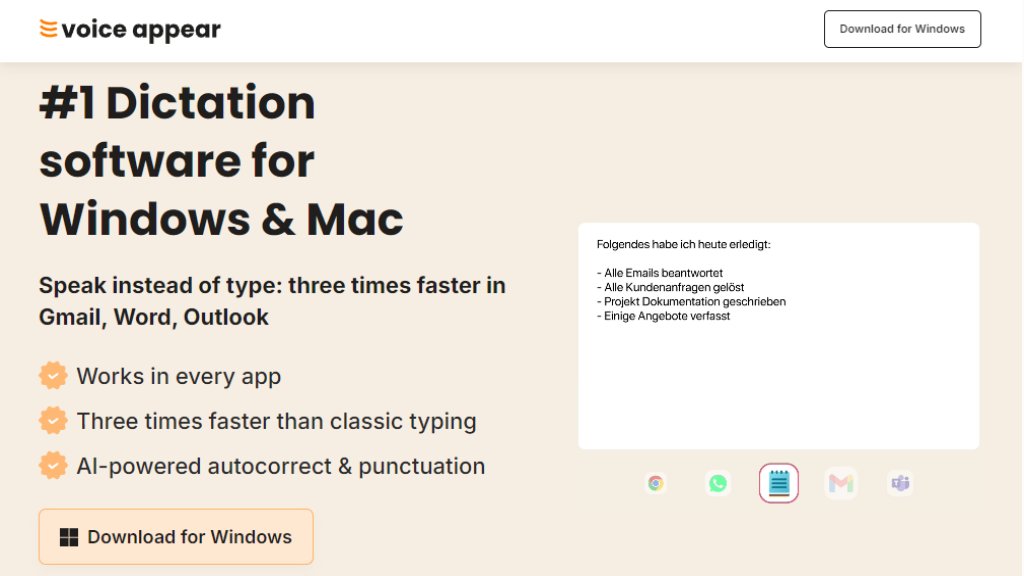
VoiceAppear is an innovative AI dictation software designed for Windows and Mac users. It allows you to compose emails, documents, and messages by speaking instead of typing, achieving speeds up to three times faster than traditional typing. The software integrates seamlessly with popular applications like Word, Outlook, Teams, and Chrome, automatically handling punctuation, formatting, and corrections. VoiceAppear uses advanced AI to understand context and adapts to your writing style, making it a powerful tool for boosting productivity and reducing typing-related stress. It is GDPR-compliant and prioritizes user privacy, ensuring that voice data is never stored or shared.
Main Features
- AI-powered dictation that works in every app.
- Automatic punctuation and formatting.
- Intelligent autocorrect for filler words and changes of mind.
- Custom vocabulary for personal words and names.
- Adapts to the app you are using for authentic text.
- End-to-end encryption and GDPR compliance.
- Works on Windows 10, Windows 11, and macOS.
- No setup required; simple key press to start dictation.
Use Cases
- Composing emails in Outlook or Gmail.
- Writing documents in Word or Google Docs.
- Creating messages in Teams or Slack.
- Drafting reports and notes quickly.
- Reducing hand cramps and typing fatigue.
- Improving productivity for freelancers, leaders, and remote workers.
- Avoiding typos and embarrassing mistakes in professional communication.
Supported Languages
- English
- German (Deutsch)
- Additional languages may be supported through the AI system, but the primary interface and recognition are optimized for these two.
Pricing Plans
- Free trial available with full functionality, no credit card required.
- Pro version: subscription-based, billed monthly or annually, with no long-term commitment. Specific pricing is not explicitly listed on the page, but it is noted as a fraction of the cost of Dragon NaturallySpeaking.
Frequently Asked Questions
- What is the best dictation software for Windows and Mac?
VoiceAppear is the leading AI dictation software for Windows 10, Windows 11, and macOS. It works in every app and turns speech into perfectly formatted text.
- How can I dictate on my computer?
Install VoiceAppear, press a key, and speak. Your text appears instantly at the cursor position in any app.
- Does VoiceAppear work in Word, Outlook, and Teams?
Yes, it works as voice input in every Windows and Mac app, including Word, Outlook, Teams, Slack, and Chrome.
- How much does VoiceAppear cost?
VoiceAppear is free to try. The Pro version is a subscription at a fraction of the cost of Dragon NaturallySpeaking, with no commitment.
- Can I try VoiceAppear for free?
Yes, download for Windows or Mac and try the full functionality without a credit card.
- Does the dictation software work offline?
No, it needs an internet connection for real-time AI processing on EU servers, ensuring high accuracy and GDPR compliance.
Pros and Cons
Pros:
- Three times faster than typing.
- Works in all applications.
- Automatic punctuation and correction.
- GDPR-compliant with strong privacy protections.
- Easy to use with no setup.
Cons:
- Requires an internet connection.
- Limited language support (primarily English and German).
- Pricing details not fully transparent on the site.
Recommendation Rating
9/10 (Innovative dictation tool that significantly boosts productivity with excellent privacy features, though offline use is not available.)



Please login to post a comment
Login