What is Webflow?
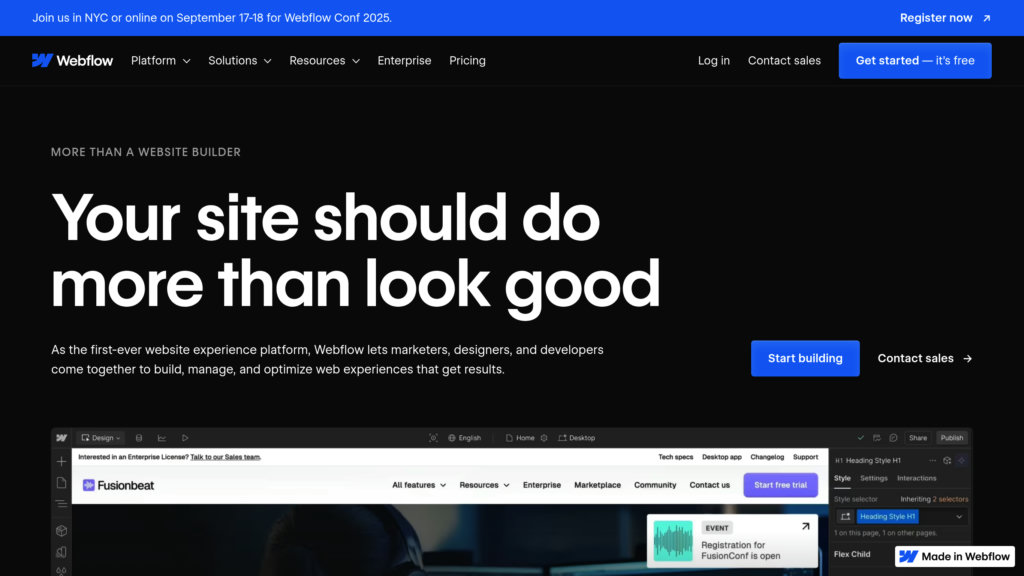
Webflow is an intelligent website experience platform that combines a visual design canvas with powerful automation. It allows designers, marketers, and developers to build custom, responsive websites visually, generating clean HTML, CSS, and JavaScript code in the background. The platform is AI-native, integrating smart tools for site building, content generation, and optimization. It includes a visual content management system (CMS), enterprise-grade hosting, and tools for SEO and Answer Engine Optimization (AEO). Webflow bridges the gap between design and development, enabling teams to create sophisticated web experiences faster and collaborate more effectively without being locked into templates.
Main Features
1. Visual Website Builder: A design-first canvas for building responsive websites with pixel-perfect control, using a visual interface that generates production-ready code.
2. Webflow AI: An integrated suite of AI tools including an AI site builder for generating pages, an AI assistant for content creation and learning, and AI-powered SEO and AEO audits.
3. Visual CMS: A composable, no-code content management system for creating and managing dynamic content with structured collections and items.
4. Interactions & Animations: Tools for creating rich animations and micro-interactions visually, powered by GSAP (GreenSock Animation Platform).
5. Webflow Cloud: A platform for deploying and hosting full-stack web applications natively alongside websites.
6. Design Systems & Shared Libraries: Maintain brand consistency with reusable components, styles, and assets shared across sites and teams.
7. Advanced Hosting & Security: Global CDN, 99.99% uptime, SSL, DDoS protection, and managed security with automatic backups.
8. Built-in SEO & AEO Tools: On-page SEO controls, sitemaps, structured data, and tools to optimize content for traditional and AI-driven search.
9. Team Collaboration: Real-time collaboration, roles and permissions, staging environments, branching, and publishing workflows.
10. Integrations: Connect with Figma, React, and extend functionality with custom code and APIs.
Use Cases
1. Marketing Teams: Build and launch campaign landing pages, blogs, and SEO-optimized content sites quickly without developer dependencies.
2. Designers & Agencies: Create custom, visually stunning websites for clients with full creative freedom and efficient client handoff tools.
3. Enterprises: Develop high-performance brand websites and digital experiences at scale with robust security, collaboration, and compliance features.
4. Startups & Small Businesses: Rapidly prototype and launch MVPs, portfolios, and business websites with a professional look and feel.
5. Content Creators & Bloggers: Manage dynamic content with the visual CMS, easily publishing and updating blog posts, galleries, and listings.
6. E-commerce Businesses: Build online stores (via Ecommerce add-on plans) with customizable shopping carts, checkouts, and product management.
7. Developers: Work alongside designers using clean, exported code or extend sites with custom code components and API integrations.
Pricing Plans
Webflow uses a dual-plan system: Site plans (for publishing/hosting a specific site) and Workspace plans (for collaboration and staging).
Site Plans (Paid tiers, billed yearly):
1. Basic: $14/month. For simple sites without a CMS (150 pages, custom domain).
2. CMS: $23/month. Popular plan for blogs and content sites (150 pages, 2k CMS items).
3. Business: $39/month. For high-traffic marketing sites (300 pages, up to 20k CMS items).
4. Enterprise: Custom pricing. For large-scale needs with advanced security and support.
A free Starter Site plan exists for basic prototyping on a webflow.io subdomain.
Workspace Plans (For teams/freelancers, billed yearly):
1. Core: $19/month/seat. Enhanced staging and collaboration for small teams.
2. Growth: $49/month/seat. Advanced collaboration with unlimited staging.
3. Enterprise: Custom pricing.
A free Starter Workspace plan is available with limited features.
Add-ons like Optimize (for A/B testing), Analyze (analytics), and Localization are available at additional costs (e.g., Analyze starts at $9/month).
Frequently Asked Questions
1. Q: What’s the difference between a Workspace and a Site plan?
A: A Workspace is where you stage sites and collaborate with teammates. A Site plan is for publishing, hosting, and unlocking features for a specific live website. Every site lives inside a Workspace.
2. Q: Can I host my website somewhere else?
A: Yes, you can export your site's code with a paid Workspace plan and host it elsewhere. Note: Dynamic CMS content and forms will not function on exported sites.
3. Q: Are Webflow websites SEO-friendly?
A: Yes. Webflow provides clean, semantic code, fast hosting, free SSL, mobile responsiveness, and built-in tools for on-page SEO and sitemap control.
4. Q: Can my clients or coworkers edit content?
A: Yes. On CMS and higher Site plans, you can in



Please login to post a comment
Login