What is Riverside YouTube Transcript Generator?
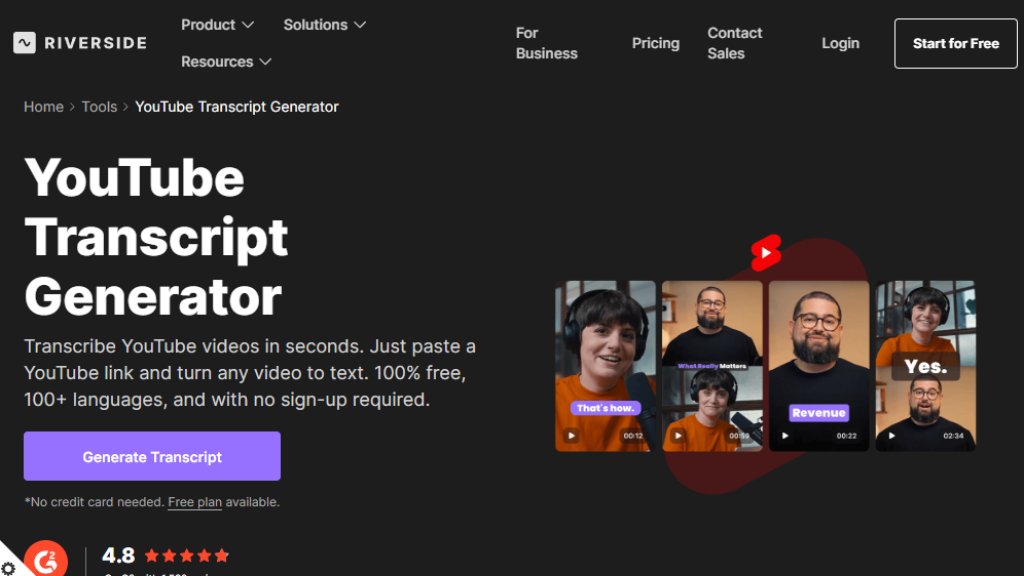
The Riverside YouTube Transcript Generator is a free online tool designed to automatically convert YouTube videos into text transcripts. It operates directly in your web browser, requiring no software downloads or user registration. Users simply paste a YouTube video link, and the intelligent system generates a transcript within seconds. This tool is part of Riverside's broader suite of content creation and editing tools, but the transcript generator itself is offered as a standalone, complimentary service. Its core purpose is to provide a convenient and powerful solution for anyone needing accurate text versions of YouTube content for accessibility, content repurposing, or analysis.
Main Features
1. High Accuracy: Delivers transcriptions with up to 99% accuracy, effectively capturing different accents and fast speech.
2. Multilingual Support: Transcribes videos in over 100 languages, including English, Chinese, French, and Spanish.
3. Multiple Export Formats: Allows users to download transcripts as plain text files for blogs or summaries, and as subtitle files (like SRT) for captions.
4. Link-Based Processing: The entire transcription process is initiated by simply pasting a YouTube video URL, making it extremely convenient.
5. Browser-Based & Free: Requires no sign-up, no credit card, and operates entirely online without the need for uploads or downloads.
Use Cases
1. For Content Creators: Quickly generate transcripts to repurpose video content into blog posts, articles, social media captions, or newsletters.
2. For Accessibility: Create accurate captions and subtitles for YouTube videos to make content accessible to viewers who are deaf or hard of hearing, or those watching in sound-sensitive environments.
3. For Marketers and Researchers: Analyze video content, extract key quotes and insights, and translate materials for global audiences.
4. For Podcasters: Easily add subtitles to video podcasts published on YouTube to improve discoverability and viewer engagement.
Pricing Plans
1. Free Plan: The YouTube Transcript Generator tool on its own is completely free to use with no limitations mentioned for the standalone tool.
2. Riverside Platform Plans: The transcript generator is also integrated into the wider Riverside platform, which has its own subscription tiers:
- Free Plan: $0/month. Includes basic features with a Riverside watermark.
- Pro Plan: $24/month (billed annually) or $29/month. Includes unlimited transcriptions, 4K video, and advanced AI editing tools.
- Live Plan: $34/month (billed annually) or $39/month. Adds live streaming features.
- Webinar Plan: $79/month (billed annually) or $99/month. Adds webinar hosting tools.
- Business Plan: Custom pricing. For enterprise-scale production.
Frequently Asked Questions
1. Q: Can I get a transcript of any YouTube video?
A: Yes. You can use this tool by pasting the video link. It generates a reliable transcript even if the video's native YouTube transcript is unavailable or inaccurate.
2. Q: How do I transcribe YouTube videos to text with Riverside?
A: You have two options: use the free online tool by pasting a link, or record directly on Riverside to get automatic transcripts after recording (a feature available on paid plans).
3. Q: What is the best YouTube to text converter?
A: Riverside is a top choice due to its 99% accuracy, support for 100+ languages, and versatile download formats suitable for captions and content repurposing.
4. Q: Can ChatGPT transcribe YouTube videos?
A: No, ChatGPT cannot directly transcribe video or audio. You need a dedicated transcription tool like Riverside's generator first, after which you can use ChatGPT to summarize or rephrase the text.
Pros and Cons
Pros:
- The standalone transcript generator is entirely free and requires no account creation.
- Offers impressive 99% claimed accuracy and supports a vast number of languages.
- Extremely convenient and fast, working directly from a YouTube link.
- Provides multiple export formats for different use cases (text, subtitles).
- Integrates seamlessly into the broader Riverside platform for users needing a full content creation suite.
Cons:
- As a free online tool, advanced features like speaker diarization or detailed editing might be limited compared to the full Riverside editor.
- The accuracy, while high, may still require minor proofreading for perfect results, especially in noisy audio conditions.
- The core free tool is for existing YouTube videos; automatic transcription for recordings is part of the paid Riverside platform.
Recommendation Rating
9/10. This tool excels at its singular task: providing fast, accurate, and free transcription for YouTube videos. Its ease of use, lack of sign-up barriers, and high-quality output make it an outstanding choice for individuals and professionals alike. The point deduction is minor, acknowledging that the most advanced transcription management featur





Please login to post a comment
Login