What is AI Remove Text From Image?
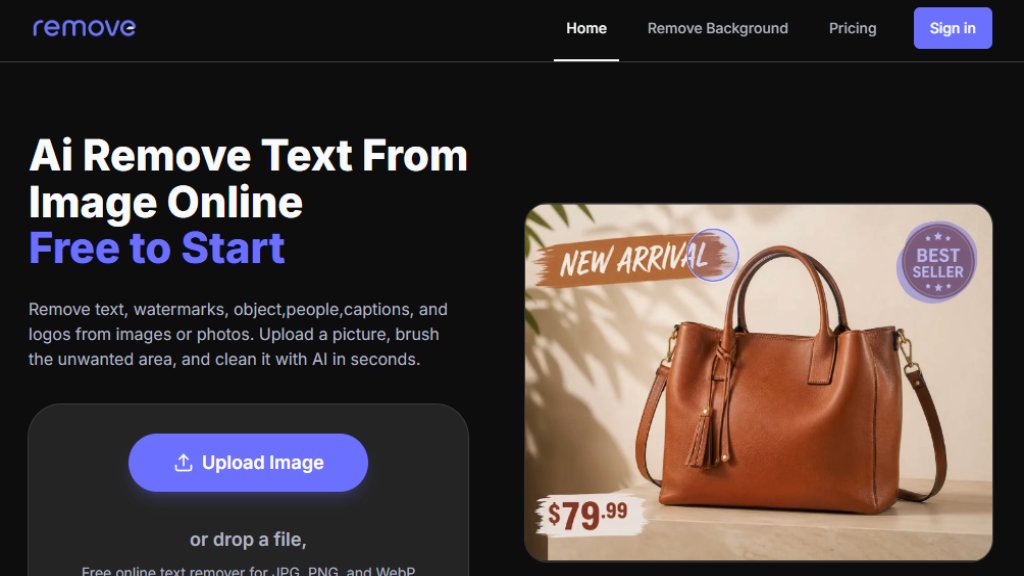
AI Remove Text From Image is an online tool that uses artificial intelligence to clean unwanted text, watermarks, objects, people, captions, and logos from images or photos. Users upload a picture, brush over the area they want to remove, and the AI rebuilds the selected region using surrounding pixels. The tool is browser-based, requiring no software installation, and offers free 720p downloads. Paid plans unlock original quality downloads for professional use.
Main Features
- Manual brush control: Paint only the words, logos, or watermarks you want removed.
- AI-powered cleanup: Automatically fills the selected area with surrounding pixel data.
- Free 720p downloads: Export cleaned images without payment.
- Supports JPG, PNG, and WebP files up to 20MB.
- Undo and redo mask edits before applying cleanup.
- Switch between original and cleaned previews.
- Priority queue for paid users.
- Batch processing available with subscription plans.
- High-resolution export with credits or Pro plans.
- Cloud history management for subscription users.
Use Cases
- Clean product photos: Remove price tags, sale labels, and promotional text for ecommerce.
- Refresh posters and flyers: Erase old dates, event names, and slogans without rebuilding.
- Polish real estate images: Remove listing labels, signs, and watermarks from property photos.
- Fix social media photos: Remove captions, stickers, and usernames from posts and stories.
- Restore travel photos: Erase signs, labels, timestamps, and watermarks from vacation pictures.
- Clean bills and scanned images: Remove selected text from receipts and documents.
Supported Languages
The tool's interface is primarily in English, but it can process images containing text in any language. The AI cleanup works on visual elements regardless of language.
Pricing Plans
One-time packs:
- Starter Pack: 15 original-download credits for $9.90.
- Pro Pack: About 100 original-download credits for $29.90.
- Premium Pack: About 600 original-download credits for $99.
Subscription plans:
- Basic Monthly: 100 original-download credits per month for $9.90/month.
- Pro Monthly: 600 original-download credits per month for $29.90/month.
- Pro Yearly: 2,400 original-download credits per year for $99/year.
Free tier includes 720p downloads.
Frequently Asked Questions
Q: Can AI remove text from an image?
A: Yes. Upload an image, brush over the unwanted words or watermark, and the cleanup model fills the selected area using the surrounding pixels.
Q: Can I remove text from a photo online for free?
A: You can use the browser tool online and download free results up to 720p. Original-size HD downloads are available with credits or Pro.
Q: Does it work on photos, pictures, and screenshots?
A: Yes. The editor supports common image files including JPG, PNG, and WebP, so it works for photos, pictures, screenshots, posters, and product images.
Q: Do I need Photoshop?
A: No. The brush editor and AI cleanup run in the browser, so you can remove text from image files without desktop editing software.
Q: Are my images stored?
A: The current workflow keeps the file in your browser and sends it only for the cleanup request. It is not written to R2, history, or a public gallery.
Pros and Cons
Pros:
- Free to start with 720p downloads.
- Simple brush-based interface.
- No software installation required.
- Supports multiple use cases.
- Multiple pricing options.
Cons:
- Free downloads limited to 720p.
- No mobile app mentioned.
- Limited file size (20MB max).
Recommendation Rating
8/10 (Intuitive tool for quick text removal, great value for occasional use, but resolution limits for free users.)



Please login to post a comment
Login