What is Builder.io?
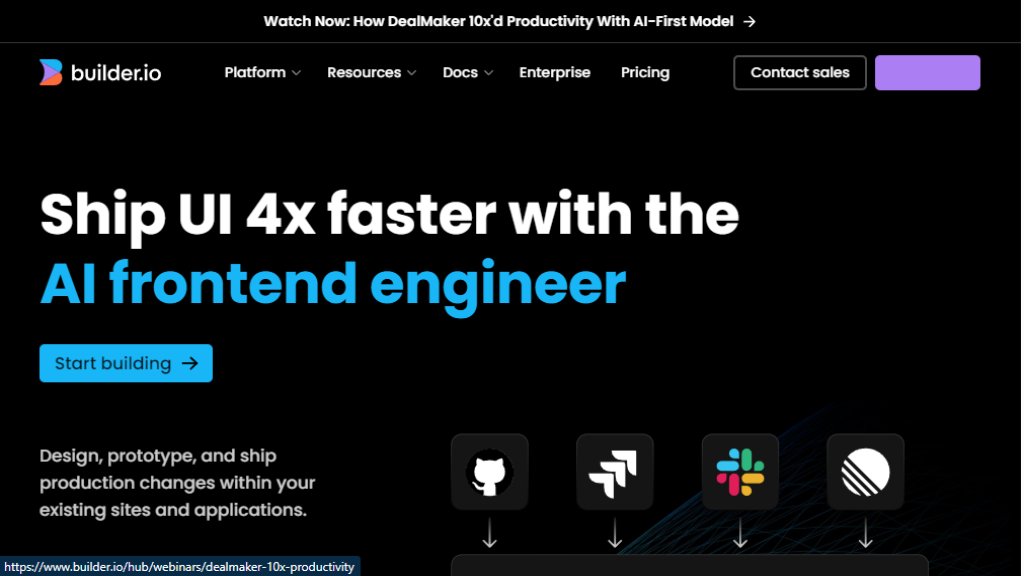
Builder.io is a visual development platform designed to accelerate the creation and iteration of user interfaces and digital experiences. It combines an intelligent agent with a visual editor, allowing developers, designers, and product teams to build and ship frontend code faster. The platform integrates directly with your existing codebase, design systems, and workflows, enabling you to generate production-ready code from prompts, Figma designs, or by visually editing any element. Its core value lies in bridging the gap between design and development, significantly reducing the time from idea to live implementation.
Main Features
1. Intelligent Agent: An automated assistant that generates code from text prompts, design files, or connected repositories.
2. Visual Editor: A powerful drag-and-drop interface for fine-tuning any generated or existing UI component with precise styling control.
3. Seamless Integrations: Connects with GitHub, GitLab, Bitbucket, Figma, VS Code, and supports MCP servers for extended functionality.
4. Code Generation: Produces clean, production-ready code that leverages your existing components and follows your coding standards.
5. Workflow Integration: Fits into existing processes, allowing builds to be initiated from tools like Slack or Jira and shipped through normal CI/CD pipelines.
6. Enterprise Controls: Offers roles, permissions, rules, workflows, and enterprise-grade security including SOC 2 Type II compliance.
Use Cases
1. Rapid Prototyping: Quickly build and test interactive UI prototypes from Figma designs or simple prompts.
2. Marketing Site & Landing Page Creation: Enable marketing teams to build, optimize, and publish on-brand pages without deep coding knowledge.
3. Web App Development: Accelerate the development of complete applications by generating code from scratch or existing repositories.
4. Content Management: Use as a headless CMS to create, manage, and publish dynamic content and experiences across sites and apps.
5. Design to Code Conversion: Automatically convert Figma designs into functional, high-quality code that uses your design tokens.
6. Team Collaboration: Facilitate collaboration between product, design, and engineering teams with shared visual tools and streamlined review processes.
Pricing Plans
1. Free Plan: For individuals exploring the platform. Cost is $0 per user per month. Includes up to 10 users, 75 monthly Agent Credits, 1 space, and public previews.
2. Pro Plan: For teams building and iterating on projects. Cost is $24 per user per month. Includes up to 20 users, 500 monthly Agent Credits, password-protected previews, and standard support.
3. Enterprise Plan: For organizations needing scale, control, and support. Offers custom pricing per user per month. Includes custom user seats, credits, spaces, roles, SSO, premium support, and advanced security features.
Frequently Asked Questions
1. Q: What are Agent Credits?
A: Agent Credits are used for AI-powered code generation tasks within the Fusion product. The Free plan includes 75 monthly credits.
2. Q: Can I connect my own code repository?
A: Yes, Builder.io can connect to code repositories like GitHub, GitLab, and Bitbucket to leverage your existing components and systems.
3. Q: Is my data used for training AI models?
A: For Enterprise plans, Builder.io states they do not train their models on your data, keeping it private and separate.
4. Q: What support is available?
A: The Pro plan includes Standard Support. The Enterprise plan offers Premium Support SLAs and an assigned Customer Success Manager.
Pros and Cons
Pros:
1. Significantly accelerates UI development and time-to-market.
2. Powerful visual editor provides fine-grained control over styling.
3. Strong integrations with popular development and design tools.
4. Generates code that adheres to existing project standards and components.
5. Enterprise version offers robust security, controls, and privacy assurances.
Cons:
1. The intelligent agent's output may require review and iteration by developers.
2. Pricing for the Pro plan and additional Agent Credits can add up for larger teams.
3. The platform's full potential is best realized when integrated into existing workflows, which requires setup.
Recommendation Rating
9/10 (A powerful and innovative platform that effectively bridges design and development, highly recommended for teams seeking to accelerate frontend work.)



Please login to post a comment
Login