What is FluxMov?
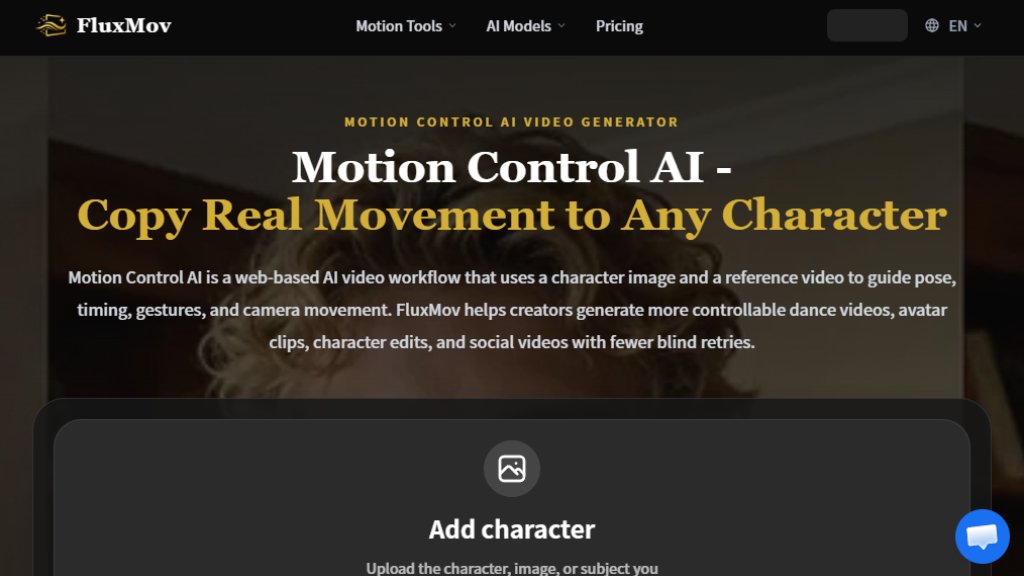
FluxMov is a web-based AI video workflow that allows creators to control character motion by using a character image and a reference video. Instead of relying solely on text prompts, FluxMov uses the reference video to guide pose, timing, gestures, and camera movement, reducing blind retries and making AI video generation more predictable. It is designed for creating dance videos, avatar clips, character edits, and social media content with higher controllability.
Main Features
- Motion Control AI: Use a reference video to guide character movement, reducing prompt guesswork.
- Character Consistency: Upload a character image to stabilize identity across frames, reducing drift.
- Multiple Workflows: Includes AI Video Generator, Text to Video, Image to Video, Video to Video, Reference to Video, Replace Character, and Motion Transfer.
- Integration with Models: Supports Kling 2.6, Kling 3.0, Gemini Omni, and Grok Imagine Video Generator.
- Credit System: Use credits for generation, with plans offering monthly or yearly subscriptions and pay-as-you-go options.
- Priority Queues: Higher-tier plans offer priority access for faster processing.
- Audio Generation: Available in Growth and Pro plans for adding audio to videos.
- Batch Processing: Pro plan supports batch processing for multiple videos.
Use Cases
- Content Creation and Social Media: Create dance clips, reaction videos, avatar content, and short-form videos with precise motion control.
- Film, Animation, and Personal Projects: Preview scenes, test character action, and shape consistent animated performance without a full mocap pipeline.
- Marketing and Education: Produce character-led ads, launch visuals, explainers, training demos, and teaching content with controlled movement.
- Character Replacement: Swap characters in existing videos while preserving original motion, expressions, and scene flow.
- Motion Transfer: Apply movement from a reference clip to new characters, avatars, or subjects for dance and performance tests.
Supported Languages
- English (EN)
- German (DE)
- French (FR)
- Japanese (JA)
- Korean (KO)
- Arabic (AR)
- Hindi (HI)
Pricing Plans
- Starter: $7.90/month (billed yearly) or $9.90/month (monthly). Includes 1,000 credits/month, $0.79/100 credits, ~8 video clips/month, all AI video and image models, motion extraction and transfer, standard queue priority.
- Growth: $23.90/month (billed yearly) or $29.90/month (monthly). Includes 5,000 credits/month, $0.48/100 credits, ~40 video clips/month, all AI video and image models, motion extraction and transfer, priority queue access, audio generation, batch processing.
- Pro: $47.90/month (billed yearly) or $59.90/month (monthly). Includes 11,000 credits/month, $0.44/100 credits, ~88 video clips/month, all AI video and image models, motion extraction and transfer, highest queue priority, audio generation, batch processing.
- Pay-as-you-go credits are available and valid for 12 months.
Frequently Asked Questions
- What is Motion Control AI? Motion Control AI is a web-based AI video workflow that uses a character image and a reference video to guide pose, timing, gestures, and camera movement.
- How does Motion Control AI work? Upload a character, add a motion reference, and use a prompt for style or scene details. The reference video becomes the main movement target.
- How is Motion Control AI different from text-to-video? Text-to-video invents movement from words, while Motion Control AI gives the model a visible motion reference before generation.
- Can Motion Control AI stop character drift? It can reduce character drift but cannot guarantee perfect identity in every frame. Use a clear character image and clean motion reference.
- What are the limits of Motion Control AI? It works best with one clear subject, 720p or higher footage, stable framing, and limited occlusion. Heavy occlusion, fast cuts, and complex props can reduce quality.
- Can I use generated videos commercially? Yes, but only upload media you have rights to animate.
Pros and Cons
Pros:
- Provides precise motion control using reference videos, reducing guesswork.
- Helps maintain character consistency across frames.
- Offers multiple workflows and integration with popular AI models.
- Flexible pricing with monthly, yearly, and pay-as-you-go options.
- Supports a variety of use cases from social media to marketing.
Cons:
- Still has limitations with complex motions, hands, and occlusion.
- Requires clean input files for best results.
- Credit system may be confusing for new users.
- No free tier beyond initial 120 free credits.
Recommendation Rating
8/10 (Excellent motion control for AI video, but has limitations with complex movements and requires clean inputs.)



Please login to post a comment
Login