What is Sora 2 AI Video Generator?
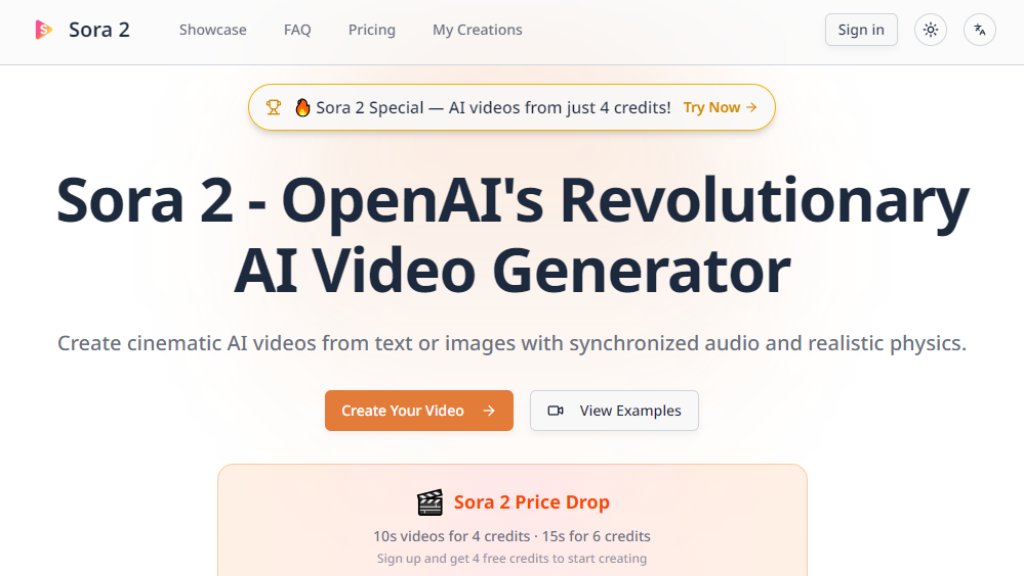
Sora 2 AI Video Generator is an intelligent platform providing access to OpenAI's revolutionary Sora 2 model for automated video creation. It transforms text descriptions or images into high-quality, cinematic videos complete with synchronized audio, realistic physics simulation, and multi-shot scene consistency. The tool represents a significant advancement in AI video generation, offering users a convenient way to produce professional-grade visual content without requiring extensive technical skills or video production equipment.
Main Features
1. Synchronized Audio and Video: Generates dialogue, sound effects, and ambient audio that perfectly match the visual content from a single prompt.
2. Realistic Physics Engine: Simulates accurate real-world object behavior, momentum, and natural movement laws.
3. Cinematic Quality: Delivers film-grade lighting, composition, and motion for polished, professional results.
4. Cameos Feature: Allows users to insert themselves or others into AI-generated videos with accurate appearance and voice after a one-time recording.
5. Multi-Shot Sequence Control: Follows complex instructions across multiple camera angles while maintaining consistent world state.
6. Multiple Style Support: Excels at generating videos in realistic, cinematic, and anime styles with high-quality rendering.
7. Fast Generation: Most video renders are completed within minutes, depending on queue and complexity.
Use Cases
1. Content Creation: Generate engaging video content for social media, marketing campaigns, and online platforms.
2. Film and Animation: Produce storyboards, concept videos, and animated sequences for cinematic projects.
3. Education and Training: Create illustrative videos and simulations for educational materials and training programs.
4. Advertising and Promotion: Develop promotional videos and advertisements with customized visuals and audio.
5. Personal Projects: Bring creative ideas to life for personal entertainment, storytelling, or artistic expression.
6. Professional Presentations: Enhance business presentations and proposals with custom-generated video segments.
Supported Languages
1. English
2. Español
3. العربية
4. Português
5. Français
6. Deutsch
7. Русский
8. 日本語
9. 한국어
10. Italiano
11. Nederlands
12. Polski
13. Türkçe
14. 简体中文
Pricing Plans
1. Basic Plan: $19/month or $9.5/month with annual billing. Includes 400 credits monthly, up to 25-second videos, 7-day video storage, standard generation speed, and commercial usage rights.
2. Pro Plan: $39/month or $19.5/month with annual billing. Includes 1,600 credits monthly, fast generation queue, 30-day video storage, custom parameter adjustments, and priority support.
3. Team Plan: $99/month or $49.5/month with annual billing. Includes 5,000 credits monthly, priority generation queue, 60-day video storage, advanced parameter control, and priority support.
4. Max Plan: $149/month or $74.5/month with annual billing. Includes 10,000 credits monthly, ultra-fast dedicated queue, 90-day video storage, advanced parameter control, and dedicated support.
Frequently Asked Questions
1. What is Sora 2?
Sora 2 is OpenAI's latest AI video generation model announced on September 30, 2025. It creates cinematic videos with synchronized audio, realistic physics, and advanced scene consistency.
2. What can I generate here?
You can create text-to-video and image-to-video with synchronized dialogue, sound effects, and ambient audio in cinematic, realistic, and anime styles.
3. What's new in Sora 2 compared to Sora 1?
Sora 2 brings realistic physics simulation, synchronized audio generation, Cameos feature for self-insertion, multi-shot sequences with consistent world state, and significantly higher video quality.
4. What is the Cameos feature?
Cameos allows you to insert yourself or others into AI-generated videos with accurate appearance and voice reproduction after a one-time video and audio recording for identity verification.
5. How long does generation take?
Most renders finish within minutes, depending on queue, prompt complexity, and quality settings. The app shows progress and notifies when videos are ready.
6. Can I use the videos commercially?
Yes, your renders can be used commercially, subject to rights to any source material you upload and the platform's content policy.
Pros and Cons
Pros:
1. Innovative synchronized audio generation creates cohesive video experiences.
2. Realistic physics simulation provides natural and believable object movement.
3. Powerful Cameos feature enables personalized video creation.
4. Multi-shot sequence control maintains consistency across complex scenes.
5. Supports multiple visual styles including cinematic and anime.
6. Fast generation times for most video projects.
7. Clear pricing structure with volume-based credit systems.
Cons:
1. Video storage is limited based on subscription tier (7-90 days).
2. Higher-tier plans required for priority generation queues.
3. Credit



Please login to post a comment
Login