What is ImgEditor.ai?
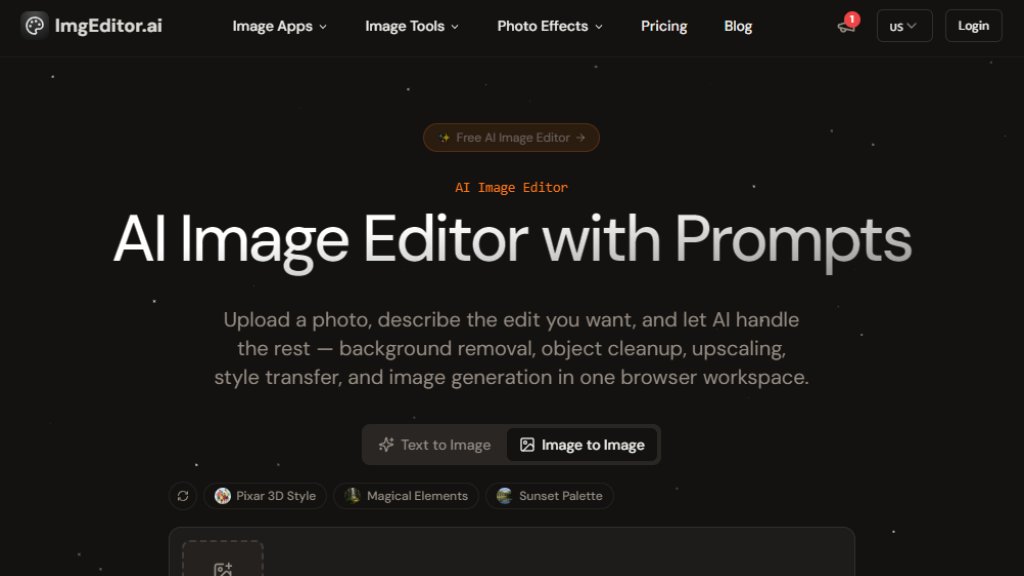
ImgEditor.ai is a free, browser-based AI image editor that allows users to upload a photo, describe the desired edit with a prompt, and let artificial intelligence handle the rest. It offers over 15 professional tools including background removal, object erasing, image upscaling, style transfer, and AI image generation. The platform is designed for creators, designers, marketers, and anyone needing fast, high-quality photo edits without manual masking or software installation. Powered by state-of-the-art AI models like Flux and Stable Diffusion, it delivers pixel-perfect precision and results in under 30 seconds. Users can also apply creative effects such as Ghibli anime, Pixar 3D, baby filters, and more. The service prioritizes privacy, processing images securely without storage, and supports output up to 4K resolution.
Main Features
- AI-Powered Prompt-Based Editing: Describe edits in natural language, and the AI executes background removal, object cleanup, upscaling, and style changes.
- 15+ Professional Tools: Includes background remover, image upscaler, image enhancer, object remover, AI image resizer, background changer, photo restoration, text remover, and AI image generator.
- Creative Photo Effects: Apply artistic styles like Ghibli AI, Pixar AI, action figure, baby filter, fat filter, aging filter, and headshot generator with one click.
- Fast Processing: Most edits complete in under 30 seconds with real-time preview.
- High-Resolution Output: Supports up to 4K resolution for professional-quality results.
- No Skills Required: No design expertise or software installation needed; fully browser-based and works on desktop, tablet, and mobile.
- Privacy-First: Images are processed securely and never stored without permission.
- Commercial License: Available on paid plans for commercial use of edited images.
Use Cases
- E-commerce Product Photography: Remove backgrounds, enhance image quality, and resize product photos for online listings.
- Social Media Content Creation: Apply creative effects like Ghibli or Pixar styles to make engaging posts.
- Personal Photo Editing: Erase unwanted objects, upscale old photos, or apply fun filters like baby or fat filter.
- Graphic Design: Use AI image generation and style transfer for unique visuals in marketing materials.
- Portrait Enhancement: Improve facial details, change backgrounds, or generate headshots.
- Content Marketing: Quickly edit images for blog posts, ads, and promotional materials without professional software.
Supported Languages
- English
- Japanese
- German
- Spanish
- Arabic
- French
- Simplified Chinese
- Traditional Chinese
- Korean
Pricing Plans
- Free Plan: $0.00, 100 credits per month, access to basic models, private generation, prompt optimization tools, commercial license, priority support.
- Basic Yearly: $6.99 per month (billed $83.9 yearly), 1200 credits per month, 120 image generations, all models access, private generation, prompt optimization tools, commercial license, priority support.
- Pro Yearly: $17.49 per month (billed $209.9 yearly), 4000 credits per month, 400 image generations, all models access, private generation, advanced prompt optimization, commercial license, priority support.
- Premium Yearly: $34.99 per month (billed $419.9 yearly), 10000 credits per month, 1000 image generations, all models access, private generation, advanced prompt optimization, commercial license, priority support.
- Hobby Package (One-Time): $6.95, 500 credits, valid for 1 month, access to advanced models, private generation, prompt optimization tools, commercial license, priority support.
- Starter Package (One-Time): $12.91, 1200 credits (+140%), valid for 1 month, access to advanced models, private generation, prompt optimization tools, commercial license, priority support.
- Pro Package (One-Time): $29.93, 3600 credits (+200%), valid for 3 months, access to advanced models, private generation, prompt optimization tools, commercial license, priority support.
Frequently Asked Questions
- What is AI Image Editor?
AI Image Editor is a free online tool that uses artificial intelligence to edit photos based on text prompts. You can remove backgrounds, erase objects, upscale images, apply artistic styles, and generate new visuals.
- Is AI Image Editor free to use?
Yes, there is a free plan that provides 100 credits per month. Paid plans offer more credits and advanced features.
- What image formats and sizes are supported?
The editor supports JPG, PNG, and WebP formats. For best results, images should be at least 500x500 pixels.
- How long does AI image processing take?
Most edits complete in under 30 seconds, with real-time preview available.
- Can I use the edited images commercially?
Yes, all plans include a commercial license, allowing you to use edited images for commercial purposes.
- Do you store my uploaded images?
No, images are processed securely and are not stored without your permission. Privacy is a top priori



Please login to post a comment
Login