What is Stylize Image?
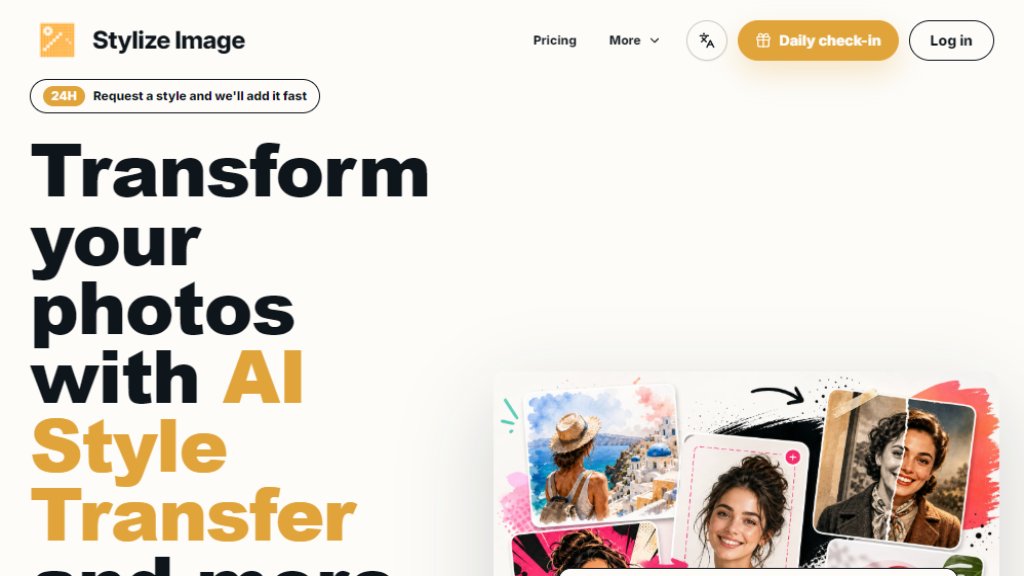
Stylize Image is an online AI-powered photo editing and style transfer tool that allows users to transform ordinary photos into artist-grade visuals. It offers a wide range of features including style transfer (painting, comic, watercolor, cinematic, etc.), old photo colorization, background removal, upscaling, and batch editing. The platform works entirely in the browser, requires no design skills, and produces HD, watermark-free outputs. Users can upload a photo, choose a style or custom prompt, and generate a stylized image in seconds. It is designed for creators, designers, social media managers, e-commerce teams, and anyone needing fast, high-quality image transformations without complex software.
Main Features
- AI Style Transfer: Apply painting, comic, watercolor, cinematic, editorial, and custom looks while preserving subject, pose, edges, and composition.
- Old Photo Colorization: Restore color and detail to black-and-white photos, keeping faces and clothing faithful.
- Background Removal: Automatically remove backgrounds from images.
- Upscaling: Enhance image resolution for HD outputs.
- Batch Consistency: Apply one visual style across multiple images for catalogs, campaigns, or assets.
- Style Library: 50+ preset styles including editorial, watercolor, comic ink, anime, cinematic, neon, pixel art, retro print, noir, pop art, clay, cyberpunk, and more.
- Custom Prompt: Type a custom style prompt (e.g., golden hour, retro print) for personalized results.
- 3-Step Workflow: Upload, choose style, generate and share HD output.
- Private Processing: Secure browser-based workflow with account-level deletion controls.
- Watermark-Free HD Downloads: Paid plans offer clean, watermark-free outputs.
- Batch Processing: Process multiple images at once for efficient workflows.
- Style Packs: Trend-ready presets for social media and campaigns.
- Avatar Style Set: Upload one portrait to preview 10+ style directions in square outputs.
- Commercial Use: Allowed when user owns rights to input photo.
Use Cases
- Social Media Content: Create stop-the-scroll profile and feed images for TikTok, Instagram, Pinterest, and creator launches.
- E-commerce Product Photos: Apply consistent visual styles across product catalogs for campaigns and thumbnails.
- Portrait Photography: Transform portraits into artistic styles like watercolor, comic, or cinematic.
- Old Photo Restoration: Colorize and restore family archive photos.
- Brand Design: Test visual directions for campaigns, blog covers, and marketing assets.
- Content Creation: Generate stylized images for blog posts, social media, and websites.
- Freelance Illustration: Use style transfer to test composition directions before final artwork.
- Team Collaboration: Share presets and batch process images for consistent brand visuals.
- Personal Projects: Stylize travel photos, lifestyle shots, and artistic experiments.
Supported Languages
- English
- Spanish (Español)
- French (Français)
- German (Deutsch)
- Russian (Русский)
- Simplified Chinese (简体中文)
- Arabic (العربية)
Pricing Plans
- Free Plan: Free. Includes up to 3 projects, 5 team members, core features, community support.
- Team Plan: $19.2 per month (billed yearly at $19.2/month) or $24.0 per month (monthly billing). Includes 800 credits, unlimited projects, unlimited members, advanced workflows and integrations, priority support, audit log and SSO (Google, MS).
- Enterprise Plan: $79.2 per month (billed yearly at $79.2/month) or $99.0 per month (monthly billing). Includes 5,000 credits, everything in Team, SAML SSO and SCIM, dedicated CSM, 99.99% SLA, on-prem and private cloud.
- Note: All plans offer a yearly option with 20% savings. Free plan available. Credits are used for HD downloads, batch jobs, and priority processing.
Frequently Asked Questions
- Is Stylize Image really free to use?
Yes. You can start for free, upload photos, and try multiple styles. Optional credits and plans unlock more HD downloads, batch jobs, and priority processing.
- Do I need to download an app or create an account?
No app download required. The tool runs in your browser. An account may be needed for some features.
- What does stylize image actually mean?
It refers to applying artistic styles (like painting, comic, watercolor) to your photos while preserving the original subject and composition.
- Will it change my subject or only the style?
The tool preserves the subject, pose, edges, and composition while applying the chosen style.
- Can I pick any style or make my own?
You can choose from 50+ presets or type a custom prompt for a personalized style.
- What types of photos work best?
Clear portraits, product shots, travel scenes, and lifestyle images with good lighting work best.
- Is my photo private and safe?
Yes, processing is private with account-level deletion controls.
- Can I batch-process images for work?
Yes, batch processing is available, especially on paid plans.
- Can I change plans later?
Yes,



Please login to post a comment
Login