What is AI Lip Sync Video?
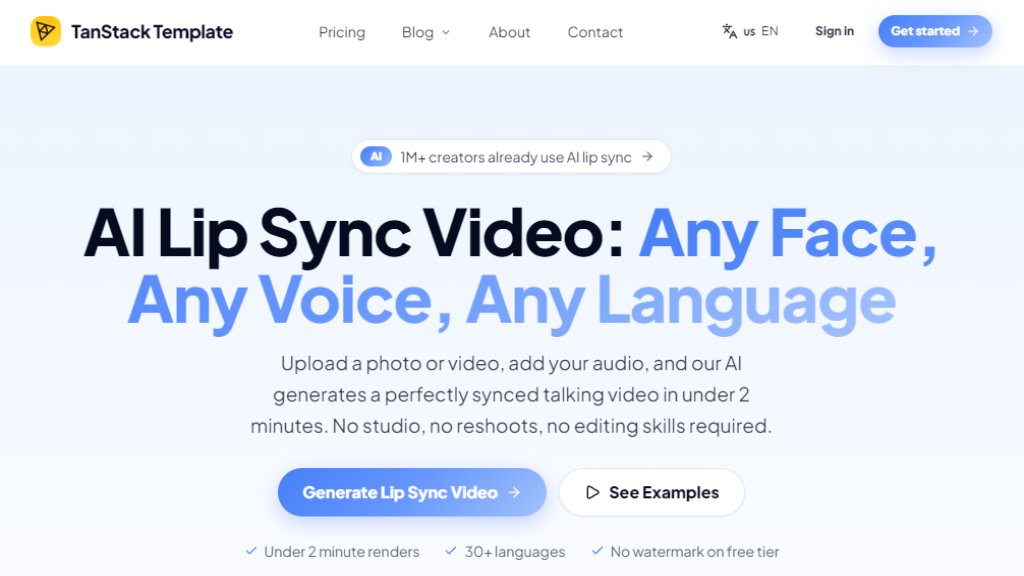
AI Lip Sync Video is an online tool that uses artificial intelligence to automatically synchronize mouth movements in a video or photo with any audio track. By analyzing the audio phoneme by phoneme, the AI re-animates the face to match the spoken words, creating a realistic talking video. Users can upload a front-facing video or a portrait photo, add an audio file or type a script for text-to-speech, and receive a downloadable MP4 in under two minutes. It supports real faces, AI avatars, cartoon characters, and stylized characters, making it versatile for content creators, marketers, studios, and educators.
Main Features
- Precise lip sync: Frame-by-frame phoneme mapping ensures accurate mouth movement for frontal shots, slight angles, and partially obscured faces.
- Talking photos: Turn a still portrait into a natural talking photo with animated lip movement and subtle head gestures.
- Multi-language dubbing: Supports 30+ languages, allowing users to dub videos into new languages without reshoots.
- Fast rendering: Most short clips process in under 2 minutes.
- No watermark on free tier: Free users can generate videos without a watermark.
- API access: Available for studios and developers to integrate lip sync into production pipelines.
- Batch processing: Paid plans support batch UGC ad variants and team workspaces.
- High-resolution export: Up to 4K MP4 export on Pro and higher plans.
Use Cases
- Content creators: Turn one creator video into local channels for YouTube, TikTok, and Shorts without additional filming.
- E-commerce teams: Produce UGC ad variants for Shopify, TikTok Shop, and paid social tests using a proven spokesperson.
- Studios: Dub vertical drama episodes market by market, syncing translated dialogue onto original cast.
- Daily publishing: Generate fast renders for news clips, product posts, training updates, and social media queues.
- Global localization: Ship 30+ language versions from one asset for regional marketing.
- E-learning: Adapt training and course videos into multiple languages quickly.
Supported Languages
- English
- Spanish
- French
- German
- Hindi
- Japanese
- Korean
- Russian
- Portuguese
- Chinese (Simplified)
- Chinese (Traditional)
- Italian
- Dutch
- Polish
- Czech
- Arabic
- And more (30+ languages total)
Pricing Plans
- Free: 1 video/month (100 credits), 720p MP4, no watermark, community support.
- Starter: $19/month, 10 videos/month (1,000 credits), 1080p MP4, talking avatars, commercial license, email support.
- Pro: $39/month, 40 videos/month (4,000 credits), 4K MP4, video translation in 30+ languages, priority generation queue, email support.
- Plus: $59/month, 80 videos/month (8,000 credits), batch UGC ad variants, team workspace (3 seats), priority email support.
- Premium: $79/month, 140 videos/month (14,000 credits), API access (10 parallel jobs), team workspace (10 seats), webhook integration.
- Max: $99/month, 220 videos/month (22,000 credits), highest priority queue, unlimited API concurrency, custom voice cloning add-on, dedicated account manager, SLA + onboarding.
Yearly billing saves 33%.
Frequently Asked Questions
- What is AI lip sync video and how does the technology work?
AI lip sync video uses deep learning models to analyze audio phonemes and re-animate mouth movements in a video or photo to match the spoken audio. The model identifies facial landmarks, predicts mouth shapes, and composites the animation onto the original footage frame by frame.
- How long does it take to generate a lip sync video with AI?
Most short lip sync videos process in under 2 minutes. Longer videos take proportionally longer and run in the background, so you do not need to keep the page open.
- How does AI Lip Sync Video compare to traditional dubbing studios?
Traditional dubbing requires talent booking, studio time, session fees, and manual lip matching. AI Lip Sync Video produces everyday versions in minutes with far lower production cost and turnaround time.
- What video formats and resolutions does the lip sync tool support?
The workflow accepts MP4, MOV, PNG, JPG, and WebP. For best sync, use front-facing footage with clear lighting and a visible face.
- Can I use AI lip sync to dub videos into multiple languages for free?
You can try AI lip sync online and create free generations. For multilingual dubbing at scale, paid plans support larger volume, longer clips, and commercial workflows.
- Is my video data kept private and can I use the output commercially?
Uploads and outputs are handled as user content. Paid plan subscribers can use generated videos for ads, client deliverables, social media, and branded content according to plan terms.
Pros and Cons
Pros:
- Free tier with no watermark.
- Fast processing (under 2 minutes for short clips).
- Supports 30+ languages for dubbing.
- Works with photos, videos, avatars, and characters.
- Reduces dubbing costs by up to 90%.
- API access for integration.
Cons:
- Free tier limited to 1 video p



Please login to post a comment
Login