What is RecCloud?
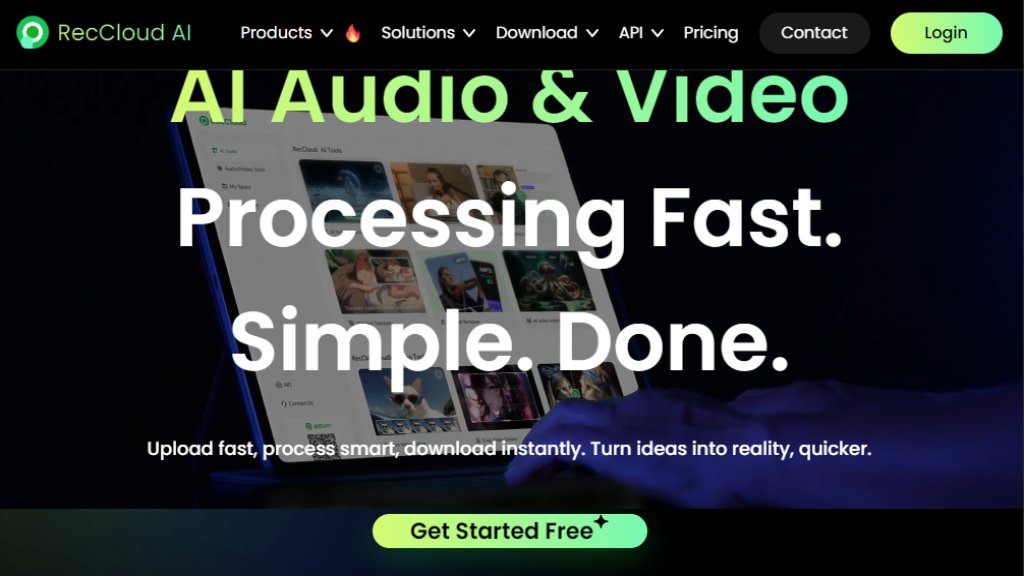
RecCloud is a comprehensive online platform that provides a suite of intelligent tools for video and audio processing. It leverages advanced technology to automate complex multimedia tasks, making it convenient for users to handle transcription, translation, subtitle creation, voice generation, and video editing directly in their web browser. The platform is designed to boost productivity for content creators, educators, marketers, and professionals by offering fast, accurate, and automated solutions that transform how they work with audio and video content.
Main Features
1. AI Speech to Text: Accurately transcribe spoken words from audio and video files into text.
2. AI Video Translator: Seamlessly translate video content, including audio and subtitles, into multiple languages.
3. AI Subtitle Generator: Automatically generate and synchronize subtitles, with support for translation.
4. AI Text to Speech: Convert written text into natural-sounding speech in various voices and languages.
5. AI Video/Audio Summarizer: Condense long videos into concise, informative highlights.
6. AI Video Generator: Create videos from text prompts or images using intelligent technology.
7. AI Watermark Remover: Automatically detect and remove unwanted watermarks, logos, or text from videos.
8. AI Vocal Remover: Isolate and remove vocals from audio tracks to create instrumental versions.
9. Basic Video Editing Tools: Includes online screen recording, video trimming, cropping, and merging.
Use Cases
1. Content Creation: Generate subtitles, translate videos, and create voiceovers for social media, YouTube, or online courses.
2. Education: Transcribe lectures, summarize educational videos, and create accessible content with multilingual subtitles.
3. Business & Meetings: Transcribe online meetings, conferences, and interviews for accurate records and notes.
4. Media Production: Remove watermarks from stock footage, create video highlights, and generate voice narrations.
5. Marketing: Produce promotional videos with AI-generated voices and translated subtitles for global campaigns.
6. Personal Projects: Edit personal videos, create karaoke tracks by removing vocals, and summarize long podcasts.
Supported Languages
1. The platform interface supports multiple languages including English, French, German, Spanish, Portuguese, Japanese, Traditional Chinese, and Simplified Chinese.
2. Its AI tools support a wide range of languages for transcription, translation, text-to-speech, and subtitle generation, facilitating global use.
Pricing Plans
The primary pricing information available is for API access, structured around purchasing credits:
1. API Credits: Users buy credits which are consumed per task (e.g., 1 credit per minute for speech-to-text). Credits have a 1-year validity after purchase.
2. QPS Limits: Plans include a Queries Per Second limit (e.g., 2 QPS), with options to contact sales for higher limits.
3. Free Tier: A 'Start for Free' option is promoted on the main website, indicating some free usage is available.
4. Custom Plans: For higher volume needs, customized software, or bulk purchasing, users are directed to 'Contact Sales'.
Frequently Asked Questions
1. Q: What are API Credits?
A: API Credits are used to access RecCloud API features. For example, Speech-to-text costs 1 credit per minute, with a 1-minute minimum charge.
2. Q: What is QPS?
A: QPS (Queries Per Second) is the maximum number of tasks the API can process per second. For example, QPS=2 allows 2 tasks per second.
3. Q: How is my data protected?
A: Files are automatically and permanently deleted within 60-75 minutes after processing. RecCloud states it does not access or store your file content and complies with GDPR and ISO security standards.
4. Q: What is the validity period of API credits?
A: Trial credits are valid for 1 month, while purchased credits are valid for 1 year from the date of purchase.
5. Q: Can the tools be used offline?
A: No, all processing requires an internet connection as data is stored and processed on cloud servers.
Pros and Cons
Pros:
1. Offers a versatile, all-in-one suite of intelligent audio and video tools.
2. The web-based platform is convenient and accessible from any browser.
3. Supports a wide array of languages for both the interface and core AI functions.
4. Promises fast processing and automated workflows to save time.
5. Provides a free tier for users to test basic functionalities.
Cons:
1. Clear, detailed pricing for the main web application (non-API) is not easily accessible on the analyzed pages.
2. Heavy reliance on an internet connection; no offline functionality.
3. The credit-based API pricing model may require careful calculation for high-volume users.
Recommendation Rating
8/10 (A powerful and innovative suite of tools that greatly simplifies multimedia processing, though clearer upfront pricing for the standard user would be beneficial.)



Please login to post a comment
Login