What is Sketch?
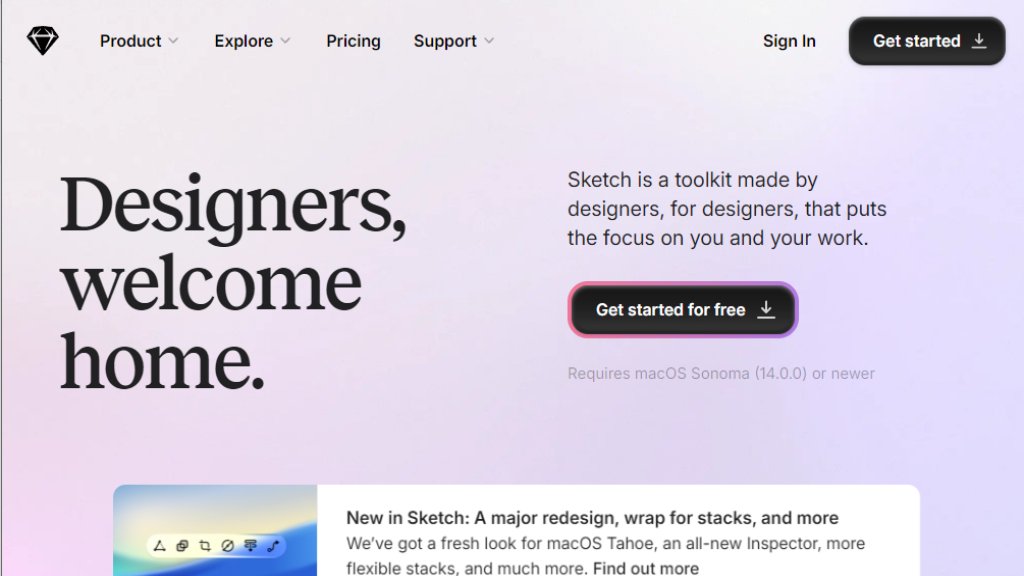
Sketch is a professional design platform primarily built for macOS, created specifically for digital product designers. It serves as a complete toolkit for designing user interfaces, websites, icons, and mobile applications. Unlike browser-based alternatives, Sketch offers a native Mac application experience combined with cloud collaboration features. The platform has evolved from a simple vector design tool into a comprehensive ecosystem that includes design creation, prototyping, collaboration tools, and developer handoff capabilities. It's particularly popular among UI/UX designers who value performance, precision, and a focused design environment.
Main Features
1. Native Mac application with offline capability and optimized performance
2. Advanced vector editing tools with flexible stack layouts and nestable frames
3. Real-time collaborative editing and commenting features
4. Interactive prototyping with smart animations and overlay support
5. Developer handoff tools with asset export and code inspection
6. Component libraries and design systems management
7. Version history and document control
8. Web app for viewing and collaborating across platforms
9. iOS app for mobile viewing and prototyping
10. Extensive template library and frame presets
Use Cases
1. UI/UX design for web and mobile applications
2. Creating interactive prototypes for user testing
3. Building and maintaining design systems
4. Collaborative design projects with distributed teams
5. Icon and illustration design using vector tools
6. Design handoff to development teams
7. Design presentations and client reviews
8. Educational purposes for design students and institutions
9. Freelance design work with client collaboration
10. Enterprise design operations at scale
Pricing Plans
1. Standard Plan: $12 per editor/month (billed yearly) - For individuals and small teams
2. Business Plan: $24 per editor/month (billed yearly) - For growing teams and agencies
3. Enterprise Plan: $44 per editor/month (billed yearly) - For large organizations
4. Private Cloud: $74 per editor/month (billed yearly) - For high-security environments
5. Mac-only License: $120 one-time payment per seat (includes one year of updates)
All subscription plans include a 30-day free trial. Education institutions can apply for free access.
Frequently Asked Questions
1. Q: Is Sketch only available as a subscription?
A: No, you can purchase a Mac-only license for offline use, but subscriptions offer full collaborative features.
2. Q: On which operating systems can I use Sketch?
A: The design app requires macOS, but the web app works on all major operating systems for viewing and collaboration.
3. Q: How can I add or remove Editors from my Workspace?
A: Admins can manage editors through Workspace settings, with billing adjustments handled automatically.
4. Q: What happens when I cancel my subscription?
A: You retain access until the billing period ends, then documents become read-only for 90 days before deletion.
5. Q: Where does Sketch store my data?
A: Data is stored on Amazon Web Services with multiple security certifications, primarily in US-East-1 region.
6. Q: Is there a free plan available?
A: No permanent free tier, but unlimited free viewers are included, and educational institutions qualify for free access.
Pros and Cons
Pros:
1. Native macOS application offers excellent performance and offline capability
2. Intuitive interface designed specifically for digital product designers
3. Powerful vector editing tools with flexible layout systems
4. Real-time collaboration features integrated seamlessly
5. Fair pricing model with transparent costs
6. Strong focus on design workflow without unnecessary distractions
7. Excellent developer handoff tools included
8. Independent company with customer-focused development
Cons:
1. Limited to macOS for the primary design application
2. No permanent free tier for individual users
3. Smaller plugin ecosystem compared to some competitors
4. Learning curve for advanced features and collaboration tools
5. Web app functionality is primarily for viewing, not full design creation
Recommendation Rating
9/10 (Excellent design platform with robust features, though macOS limitation affects accessibility)



Please login to post a comment
Login