What is Sketch To?
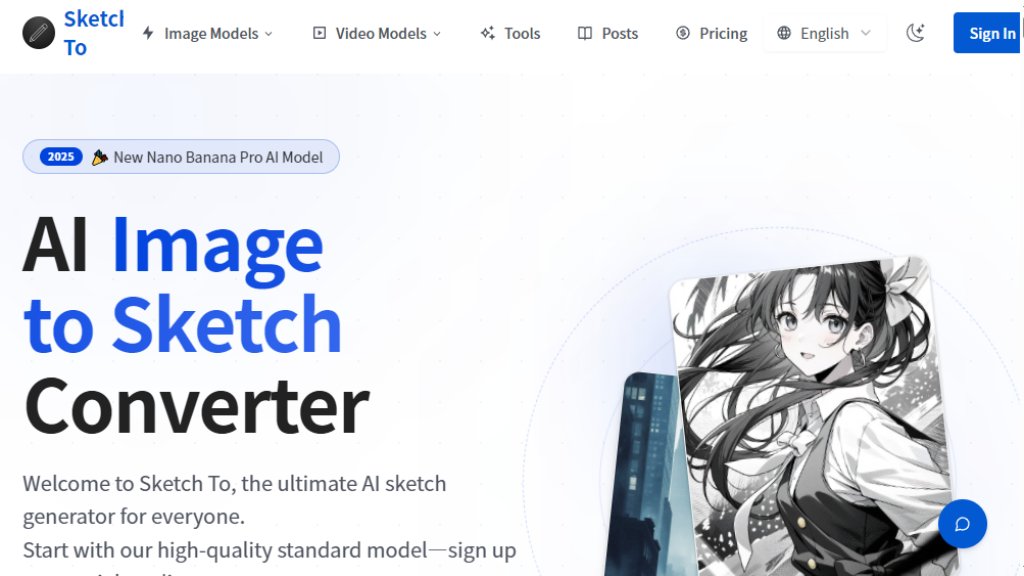
Sketch To is a powerful online tool that uses advanced artificial intelligence to convert between images and sketches. It serves two primary functions: transforming regular photographs into various artistic sketch styles (like pencil, charcoal, ink, or watercolor) and converting simple sketches into detailed, realistic images. The platform is designed for a wide range of users, from hobbyists and students to professional artists and designers. It operates on a credit-based system, offering a Standard model for general use and a more advanced Professional model that delivers superior detail and realism, suitable for commercial projects. New users receive free trial credits to explore the features without immediate payment.
Main Features
1. Bidirectional Conversion: Enables both image-to-sketch and sketch-to-image transformations using intelligent algorithms.
2. Multiple Artistic Styles: Offers a variety of sketch outputs including Pencil, Charcoal, Ink, Colored Pencil, Comic, Concept, Figure, Watercolor, and Digital Sketch.
3. Two-Tier AI Models: Provides a Standard model for everyday creativity and a Professional model for commercial-grade, high-detail results.
4. Instant Processing: Leverages cloud-based infrastructure for fast conversion, typically completing tasks within seconds.
5. High-Resolution Output: Allows users to download their creations in quality suitable for both digital use and print.
6. Credit System with Free Trial: New users get free credits to test the Standard model, with flexible paid plans for continued use.
7. Commercial License: Available with the Pro plan, granting users full rights to use generated images for business purposes.
Use Cases
1. Art and Design Projects: Artists and designers can quickly generate sketch concepts from reference photos or flesh out rough sketches into detailed images.
2. Content Creation: Bloggers and social media managers can create unique, artistic visuals for posts and articles.
3. Education: Students in art or design courses can use it for assignments, practicing styles, or visualizing ideas.
4. Professional Client Work: Graphic designers and photographers can produce high-quality, stylized artwork for commercial clients using the Pro model.
5. Personal Hobbies: Enthusiasts can turn personal photos into artistic sketches for gifts, home decor, or personal projects.
6. Concept Development: Quickly iterate visual concepts by converting between sketches and more polished images.
Supported Languages
1. The primary interface and support content are in English.
Pricing Plans
1. Basic Plan: Priced at $9.99 per month when billed annually ($7.99 monthly). Includes 2400 credits per year (approx. 1200 Standard model images), image history, and standard quality downloads. For personal use.
2. Pro Plan: Priced at $19.99 per month when billed annually ($15.99 monthly). Includes 9600 credits per year (approx. 4800 Standard model images), everything in Basic, plus a commercial license and priority support. Designed for professionals.
3. Credit Packs: One-time purchases of credits are available without a subscription, valid for one year.
4. Free Trial: New users receive 4 free credits upon sign-up (no credit card required).
Frequently Asked Questions
1. Q: What's the difference between the Standard and Professional models?
A: The Standard model is for general use and hobbies, providing good quality. The Professional model uses more advanced AI for superior detail and realism, ideal for commercial projects.
2. Q: How much does Sketch To cost?
A: It uses a credit system. New users get free trial credits. Paid plans start with Basic at $9.99/month (annual) and Pro at $19.99/month (annual). Credits can also be purchased in packs.
3. Q: Can I use Sketch To for commercial purposes?
A: Yes, commercial use is permitted with the Pro plan, which includes a commercial license. The Basic plan is for personal use only.
4. Q: What file formats are supported?
A: It supports major formats like JPG, PNG, and WEBP, with uploads up to 10MB.
5. Q: How long does processing take?
A: Most conversions are completed within seconds, depending on image size and complexity.
6. Q: Do you offer a free trial?
A: Yes, every new user gets 4 free credits upon signing up, with no credit card required.
Pros and Cons
Pros:
- Offers a convenient free trial for new users to test the service.
- Provides powerful bidirectional conversion (image-to-sketch and sketch-to-image).
- Features an innovative two-tier model system catering to both hobbyists and professionals.
- Delivers fast processing speeds for instant results.
- Includes a commercial license in the Pro plan for business use.
- Supports high-resolution downloads for quality output.
Cons:
- The credit system can be confusing, with credits resetting monthly and different costs per model.
- The free trial is very limited (only 4 credits).
- Advanced features and commercial rights are locked behind the higher-priced



Please login to post a comment
Login