What is SpriteFlow?
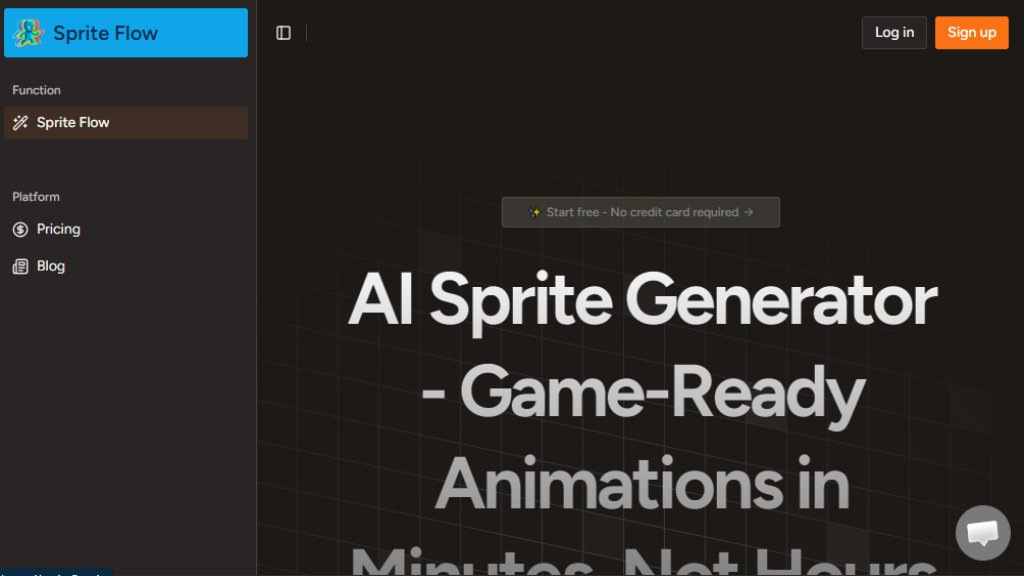
SpriteFlow is an automated sprite generation platform built specifically for game developers. It transforms the traditionally labor-intensive process of creating character animations by using intelligent algorithms. Instead of manually drawing each frame in tools like Aseprite or Photoshop, users can describe a character and select an animation type to generate a complete, production-ready sprite sheet. The core innovation is its ability to learn and lock in a specific art style—such as pixel art, 2D cartoon, or anime—ensuring that every generated frame maintains perfect visual consistency in colors, proportions, and details. This tool is aimed at indie developers, programmers, and small studios who need custom game assets quickly and affordably, bypassing the need to hire expensive pixel artists or rely on generic asset packs.
Main Features
1. Guaranteed Style Consistency: Train the AI on a reference image or style once to generate unlimited sprite variations with identical color palettes, line thickness, and character proportions.
2. Complete Animation Sets: Generate full sets of animations for a character, including walk cycles, idle states, attack animations, running, and jumping.
3. 8-Directional Sprite Support: Automatically generate sprites for all eight cardinal directions, ideal for top-down or isometric games.
4. Direct Game Engine Export: One-click export to popular engines like Unity and Godot, including sprite sheet atlases, JSON animation data, and suggested collision boxes.
5. Multiple Art Styles: Support for retro pixel art (8-bit, 16-bit, 32-bit), modern 2D cartoon, anime styles, and the ability to train on custom aesthetics.
6. Fast Generation: Create an 8-frame walk cycle in about 60 seconds and a complete character sprite sheet with multiple animations in roughly 20 minutes.
7. Character Variation Tools: Easily create variations of the same character with different outfits, hair colors, or equipment without redrawing from scratch.
Use Cases
1. Rapid Game Prototyping: Indie developers and small teams can quickly generate placeholder or final art to test gameplay mechanics and iterate on ideas.
2. Creating Large Character Rosters: Generate dozens of unique, style-consistent NPCs or enemy sprites for RPGs, strategy games, or mobile titles without massive time or budget.
3. Assisting Non-Artists: Programmers and game designers with limited drawing skills can create custom, coherent visual assets for their projects.
4. Producing Animation Variations: Quickly create alternate versions of a main character (e.g., different armor tiers, color schemes) for progression systems or customization.
5. Retro Game Development: Generate authentic pixel art sprites with locked color palettes for games emulating classic 8-bit or 16-bit aesthetics.
6. Game Jam Projects: Create a unique, custom art style for short-term game development competitions instead of using common free asset packs.
Supported Languages
1. The analysis of the provided website content indicates the primary interface and documentation are in English. No explicit list of multiple supported languages is presented in the reference materials.
Pricing Plans
1. Starter Plan: Priced at $12.49 per month. Includes 200 credits and allows for 40 sprite image generations. Offers priority support and high-quality AI generations.
2. Pro Plan: Priced at $25 per month. Includes 500 credits and allows for 100 sprite image generations. Offers priority support and high-quality AI generations.
3. Ultimate Plan: Priced at $50 per month. Includes 1500 credits and allows for 300 sprite image generations. Designed for large enterprises and professional studios, with priority support and high-quality AI generations.
4. The website also mentions a free tier offering 50 sprite generations per month, requiring no credit card to start.
Frequently Asked Questions
1. Q: What is an AI sprite generator and how does it work?
A: It is a tool that uses artificial intelligence to automatically create animated sprite frames from a description or base image, instead of manual pixel-by-pixel drawing.
2. Q: How do you guarantee style consistency across sprite animations?
A: The AI can be trained on a specific art style or reference image once, locking in the color palette, detail level, and proportions to ensure all generated frames match perfectly.
3. Q: Can I export sprites directly to Unity or Godot?
A: Yes, SpriteFlow offers one-click export directly to these game engines, including sprite sheet atlases and animation metadata for easy integration.
4. Q: What animation types can the AI sprite generator create?
A: It can create various animations such as walking, running, idle, attacking, and jumping cycles for game characters.
5. Q: Do I need any drawing or animation skills to use this?
A: No, the tool is designed for users without traditional art skills. You describe the character and select animations for the AI to generate.
6. Q: How much does it cost c



Please login to post a comment
Login