What is ThumbIQ?
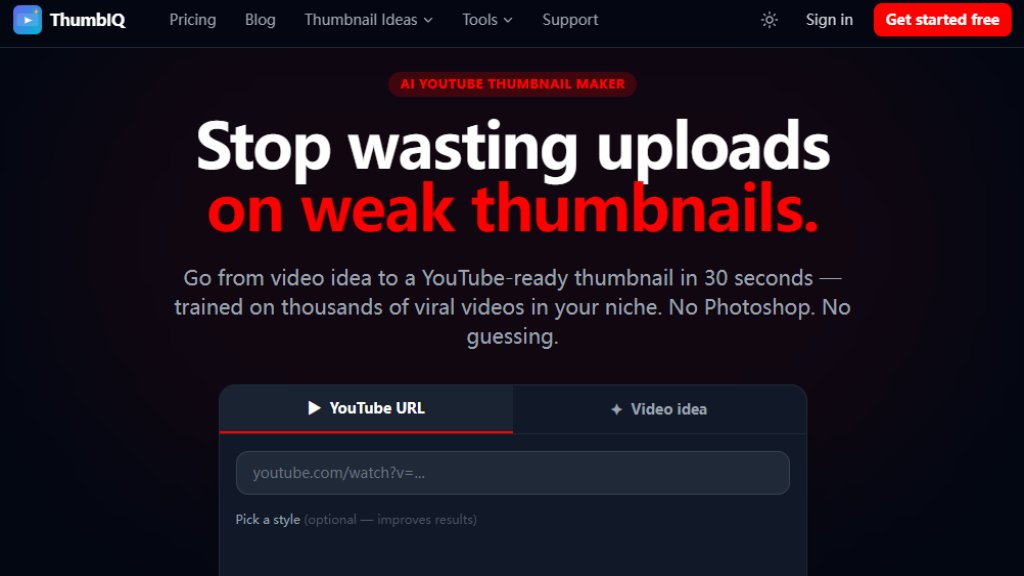
ThumbIQ is an automated thumbnail creation tool designed specifically for YouTube creators. It uses intelligent algorithms to generate eye-catching, high-converting thumbnails that help videos stand out in search results and recommendations. The platform simplifies the thumbnail design process by offering various input methods including YouTube URL analysis, file uploads, and idea-based generation. With its focus on YouTube optimization, ThumbIQ provides creators with a convenient solution to improve their video's click-through rates without requiring graphic design skills. The tool analyzes successful thumbnails in specific niches to provide data-driven design recommendations.
Main Features
1. Automated thumbnail generation using intelligent algorithms
2. Multiple input modes: YouTube URL analysis, file upload, and idea-based creation
3. Niche-specific thumbnail templates and style samples
4. Face swapping technology with creator avatar support
5. AI inpainting for precise image editing and object removal
6. Image library for storing and reusing visual assets
7. Niche Intelligence analytics for data-driven design decisions
8. Multiple download formats including WebP, JPEG, and PNG
9. Generation history tracking and saved version management
10. Priority generation queue for Pro plan users
Use Cases
1. YouTube creators needing consistent, high-quality thumbnails for their videos
2. Content marketers looking to improve video click-through rates
3. Gaming channels requiring attention-grabbing thumbnails for gameplay videos
4. Educational content creators designing tutorial thumbnails
5. Finance and investing channels creating professional-looking thumbnails
6. Fitness influencers designing motivational workout video thumbnails
7. Food bloggers creating appetizing cooking video thumbnails
8. Business and entrepreneurship channels designing professional thumbnails
9. Vloggers creating lifestyle and travel video thumbnails
10. Podcasters designing interview and discussion video thumbnails
Supported Languages
1. English (primary interface language)
2. The tool appears to be English-focused based on the website content
Pricing Plans
1. Free Plan: Includes 3 one-time welcome credits, YouTube URL input, niche style samples, 7-day generation history, WebP download only, with watermarks on thumbnails
2. Starter Plan: $11/month (billed annually at $134) includes 25 thumbnails monthly, no watermark, file upload, image library (10 images), 1 creator avatar with 5 face swaps, 5 AI inpainting edits monthly, multiple download formats, and 30-day history
3. Creator Plan: $19/month (billed annually at $230) includes 60 thumbnails monthly, idea mode, image library (30 images), 3 creator avatars with 20 face swaps, 15 AI inpainting edits monthly, Niche Intelligence analytics, all download formats, 90-day history, and 50 saved versions
4. Pro Plan: $31/month (billed annually at $374) includes 150 thumbnails monthly, all input modes, image library (75 images), 5 creator avatars with 50 face swaps, 40 AI inpainting edits monthly, priority generation queue, unlimited history, and 100 saved versions
5. Additional generation credits available as one-time purchases: 1 generation for $1.50, 5 generations for $6.00 (save 20%), 12 generations for $12.00 (save 33%)
Frequently Asked Questions
1. Q: Do I need a credit card to sign up? A: No credit card is required for the free plan which includes 3 welcome credits.
2. Q: What counts as a 'generation'? A: Each thumbnail creation using the AI generator counts as one generation.
3. Q: Can I cancel at any time? A: Yes, users can cancel their subscription anytime without hidden fees.
4. Q: What is a Creator Avatar? A: A personalized digital representation that can be used in thumbnail designs.
5. Q: What is AI inpainting? A: An intelligent editing feature that allows precise removal or addition of elements in images.
6. Q: Do annual plans auto-renew? A: The website indicates plans can be canceled anytime, suggesting auto-renewal with cancellation option.
Pros and Cons
Pros:
1. Offers a free tier with 3 initial credits for testing
2. Provides multiple intelligent features including face swapping and AI inpainting
3. Includes niche-specific templates based on successful thumbnail analysis
4. Flexible pricing with both subscription and credit-based options
5. No watermarks on paid plans
6. Supports multiple input methods including YouTube URL analysis
Cons:
1. Free plan has significant limitations including watermarks and WebP-only downloads
2. Monthly generation limits on all paid plans
3. Primarily English-focused interface
4. Advanced features like Niche Intelligence only available on higher-tier plans
5. Image library storage is limited based on subscription level
Recommendation Rating
8/10 (Comprehensive thumbnail solution with intelligent features, though limited free tier)



Please login to post a comment
Login