What is Whisperstream?
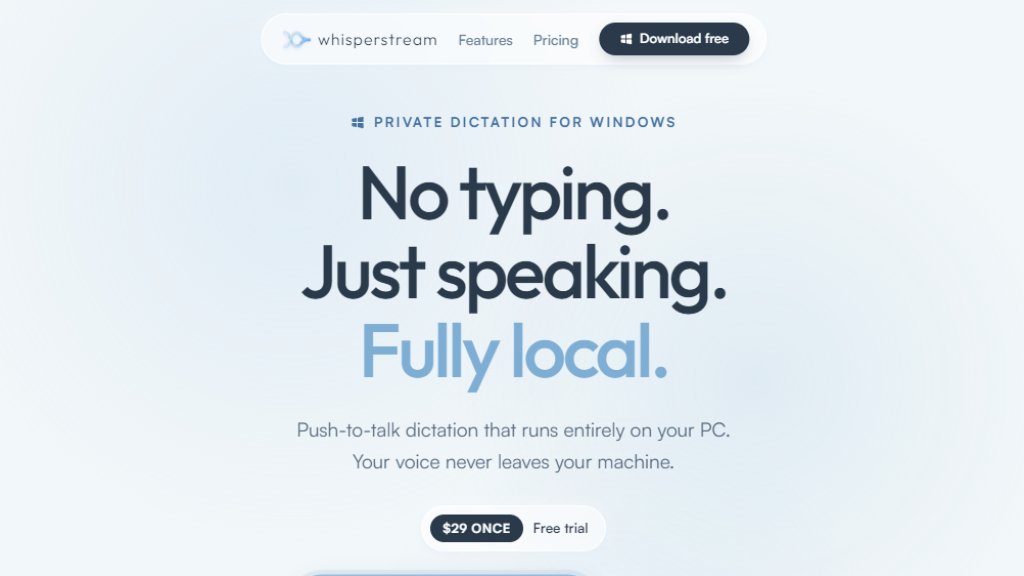
Whisperstream is a desktop application for Windows that provides private, on-device dictation. It uses a local NVIDIA Parakeet model to transcribe speech to text in real time, with no internet connection required after initial setup. Your voice and data never leave your PC, ensuring complete privacy. It is a one-time purchase with no subscription fees.
Main Features
- Fully local transcription: Runs entirely on your PC, no cloud processing.
- Push-to-talk or toggle: Configure global hotkeys for hands-free or hold-to-talk dictation.
- AI cleanup: Automatically removes filler words and applies spoken corrections.
- Custom dictionary: Add names, jargon, and acronyms for accurate transcription.
- Per-app modes: Set custom AI prompts that switch automatically based on the active application.
- Transcript history: Search past dictations and replay audio, all encrypted on your device.
- Import audio files: Transcribe pre-recorded audio files locally.
- Works offline: No internet needed after setup.
- Multilingual support: 25 languages including English, Spanish, French, German, Italian, and more.
- Microsoft-signed installer: Trusted and secure installation.
- One license for up to 2 PCs: Use on a laptop and desktop.
Use Cases
- Professional writing: Dictate emails, reports, and documents in apps like Outlook and Word.
- Coding: Dictate code and comments in IDEs like VS Code and Claude Code.
- Accessibility: Hands-free typing for users with mobility or repetitive strain injuries.
- Content creation: Transcribe interviews, podcasts, or meeting notes.
- Multilingual work: Dictate in 25 languages without switching tools.
- Privacy-sensitive environments: Legal, medical, or military settings where data cannot leave the device.
Supported Languages
- English
- Spanish
- French
- German
- Italian
- Portuguese
- Russian
- Polish
- Bulgarian
- Croatian
- Czech
- Danish
- Dutch
- Estonian
- Finnish
- Greek
- Hungarian
- Latvian
- Lithuanian
- Maltese
- Romanian
- Slovak
- Slovenian
- Swedish
- Ukrainian
Pricing Plans
- Free trial: No account or credit card needed.
- One-time purchase: $29 once, includes all features, no subscription.
- License covers up to 2 PCs.
- 30-day money-back guarantee.
Frequently Asked Questions
Q: Is there a free trial?
A: Yes. Download Whisperstream and try it free, no account and no credit card.
Q: Do I need an internet connection?
A: Only to set up. After downloading the speech model and activating the license, Whisperstream runs offline.
Q: What are the system requirements?
A: Windows 10 or 11 (64-bit), 8 GB RAM minimum (16 GB recommended), CPU only (no GPU required), modern processor (Intel 8th gen+ / AMD Ryzen 3000+).
Q: Can I use one license on more than one PC?
A: Yes. One purchase activates Whisperstream on up to 2 of your own PCs.
Q: What languages do you support?
A: 25 languages including English, Spanish, French, German, Italian, Portuguese, Russian, Polish, and 17 more.
Q: What if it doesn't work for me?
A: 30-day refund, no questions asked.
Pros and Cons
Pros:
- Complete privacy with fully local processing.
- One-time affordable payment, no subscription.
- Works offline after setup.
- Supports 25 languages.
- 30-day money-back guarantee.
Cons:
- Windows only, no macOS or Linux version.
- Requires a modern processor for best performance.
- No cloud backup for transcripts (by design).
Recommendation Rating
9/10 (Excellent privacy-focused dictation tool with a fair one-time price and strong feature set. Lacks cross-platform support.)



Please login to post a comment
Login