What is Projekt?
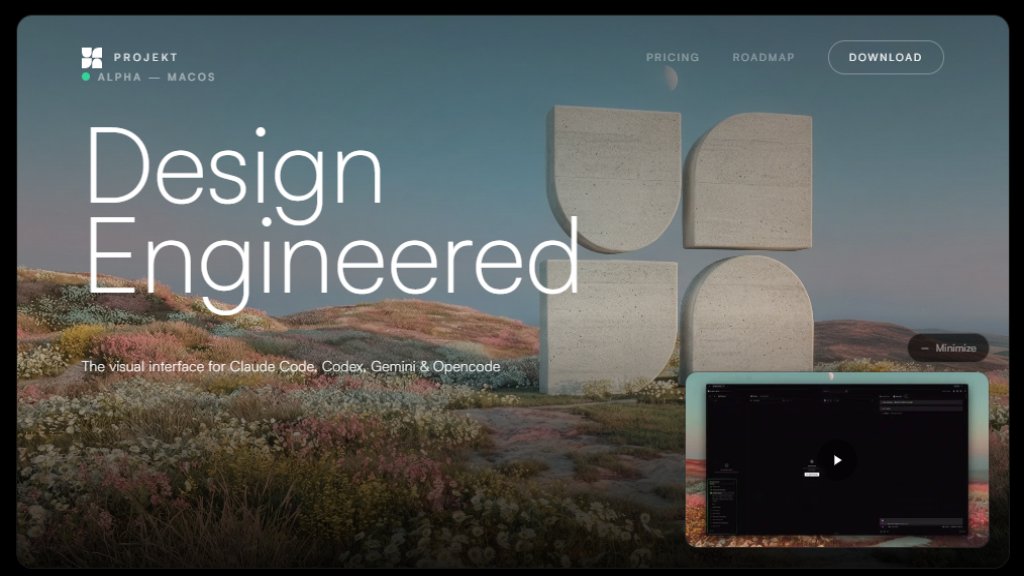
Projekt is an innovative visual development environment designed specifically for working with AI coding assistants. It serves as a unified workspace where developers can connect multiple AI coding agents like Claude Code, Codex, Gemini CLI, or Opencode using their own API keys. The platform eliminates the traditional separation between code writing, previewing, and refinement by providing a real-time visual interface that updates as AI agents generate code. Users can open any project folder without complex setup, describe what they want in natural language, and immediately see live previews while the AI writes the code. The workspace integrates file exploration, live preview panels, and chat interfaces into a single window, allowing for direct manipulation of elements and visual style editing before committing changes to version control.
Main Features
1. Multi-agent support for simultaneous use of Claude Code, Codex, Gemini, and Opencode
2. Real-time visual preview that updates as AI writes code
3. Editable DOM with direct element selection and inline editing capabilities
4. Prompt-first interface designed for natural language descriptions
5. No setup required - works with any existing project folder
6. Integrated version control with commit and deployment workflows
7. Clean, minimal workspace without feature bloat
8. Single-window workflow combining explorer, preview, and chat
9. Use your own API keys without vendor lock-in
10. Visual style editing and refinement tools
Use Cases
1. Rapid prototyping of web applications and landing pages
2. Building UI components with AI assistance and instant visual feedback
3. Converting design concepts into functional code through natural language prompts
4. Collaborative development with multiple AI coding agents working simultaneously
5. Learning web development by observing AI-generated code with live previews
6. Refining existing projects through visual editing and AI enhancements
7. Creating responsive designs with real-time preview across device sizes
8. Generating complete web projects from simple descriptive prompts
9. Streamlining development workflow by eliminating context switching between tools
10. Experimenting with different AI models and approaches on the same project
Supported Languages
1. English (primary interface language)
2. Supports code generation in multiple programming languages through AI agents
3. Natural language prompts accepted in English
4. Interface currently appears to be English-only based on available materials
Pricing Plans
1. The provided reference materials do not contain specific pricing information
2. Website mentions 'Alpha' version which may indicate early access or beta testing phase
3. No explicit pricing plans, subscription tiers, or cost details are visible in the materials
4. Users are instructed to 'Download the Alpha' suggesting possible free access during early stages
5. The platform emphasizes using your own API keys, which suggests users pay directly to AI providers rather than through Projekt
Frequently Asked Questions
1. Q: What AI coding agents does Projekt support?
A: Projekt supports Claude Code, Codex, Gemini CLI, and Opencode.
2. Q: Do I need to use Projekt's API keys?
A: No, you bring your own API keys and maintain full control over your spending.
3. Q: Can I use Projekt with my existing projects?
A: Yes, you can point Projekt at any folder and start building immediately without setup.
4. Q: How does the preview functionality work?
A: As your AI agent writes code, you see live previews update in real time within the workspace.
5. Q: Can I edit the code visually?
A: Yes, you can select any element and edit it inline or tweak styles visually before committing.
Pros and Cons
Pros:
1. Innovative unified workspace combining coding, previewing, and refinement
2. Support for multiple AI agents working simultaneously
3. Real-time visual feedback as code is generated
4. No vendor lock-in - use your own API keys
5. Minimal, focused interface without unnecessary features
6. Works with existing projects without configuration
7. Visual editing capabilities for direct manipulation
8. Integrated version control workflow
Cons:
1. Currently in Alpha stage, which may mean limited stability
2. macOS-only availability based on download information
3. Limited language support for interface
4. Pricing structure not clearly defined
5. Dependent on external AI services and their availability
6. Learning curve for optimal prompt engineering
7. May not suit complex backend development workflows
Recommendation Rating
8/10 (Innovative approach to AI-assisted development with excellent visual workflow, though limited by platform availability and early development stage)



Please login to post a comment
Login