What is Image to Line?
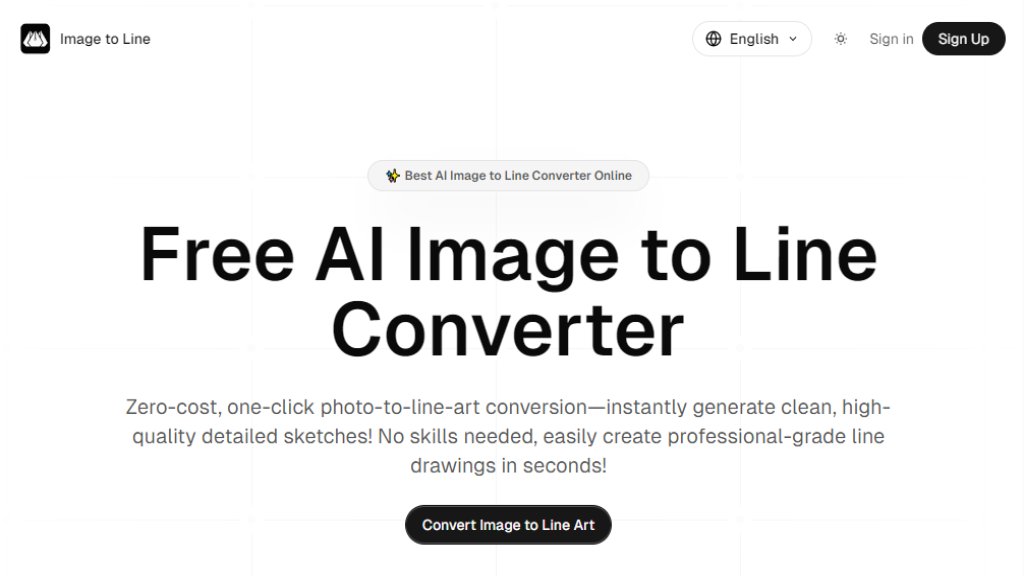
Image to Line is an intelligent online tool that converts photographs into line art drawings using advanced neural networks. It automatically extracts key edges and contours from images to create clean, artistic sketches that resemble hand-drawn illustrations. The platform requires no artistic skills or software installation, making professional line art creation accessible to everyone through a simple web interface. It processes images in real-time and offers various artistic styles for different creative needs.
Main Features
1. Intelligent edge detection using deep learning technology
2. Multiple artistic style options including Pencil, Sketch, Newspaper, LineArt, Ink, and Comic styles
3. Real-time conversion with instant results
4. High-resolution 4K quality exports
5. Secure processing with no permanent image storage
6. One-click export functionality
7. Multi-platform compatibility across devices
8. Free to use with credit-based system
9. Real-time preview of conversions
10. Background noise and clutter removal
Use Cases
1. Creating custom coloring pages from personal photos
2. Generating line art for graphic design projects
3. Producing technical drawings and architectural outlines
4. Transforming photos into cartoon or comic styles
5. Creating tattoo design sketches
6. Developing illustrations for social media content
7. Converting images for printing and merchandise
8. Making artistic references for traditional artists
9. Building visual assets for marketing materials
10. Educational purposes for art and design students
Supported Languages
1. English
Pricing Plans
1. Free plan with limited credits
2. Paid plans not clearly specified on website
3. Credit-based system mentioned (10 credits shown for generation)
Frequently Asked Questions
1. Q: What is an AI image to line converter and how does it work?
A: It uses artificial intelligence and neural networks to analyze images and extract basic outlines, differentiating between important structural lines and minor details for cleaner, artistic results.
2. Q: How can I turn my photo into line art for free using this tool?
A: Upload your image, let the AI process it instantly, preview the result, and download your line art. The tool offers free initial uses.
3. Q: What makes this the best AI picture to line converter online?
A: It stands out due to precision and ease of use, preserving the character of original images with advanced computer vision techniques.
4. Q: Are my images safe when using the image to line online converter?
A: Yes, images are processed over secure connections and not stored permanently on servers.
5. Q: Can I create coloring pages with the image to line art AI free tool?
A: Absolutely, it's popular for creating custom coloring pages from family photos or character images.
6. Q: Does the image to line drawing generator support different styles?
A: Yes, it produces outcomes ranging from delicate pencil sketches to bold cartoon outlines, catering to various artistic needs.
Pros and Cons
Pros:
1. Completely free to use with no upfront payment required
2. Multiple artistic style options available
3. Fast and real-time conversion process
4. No artistic skills or software installation needed
5. High-quality 4K resolution exports
6. Secure processing with privacy protection
7. User-friendly interface with simple workflow
Cons:
1. Limited to PNG, JPG, and WEBP formats only
2. Credit system may limit extensive use
3. No clear information about paid plans or pricing
4. Generated images are only stored for 30 days
5. Limited language support (English only)
6. No advanced editing features beyond basic conversion
Recommendation Rating
8/10 (Excellent free tool for basic line art conversion with multiple styles, though lacks advanced features and clear pricing structure for heavy users)



Please login to post a comment
Login