What is Lovspark?
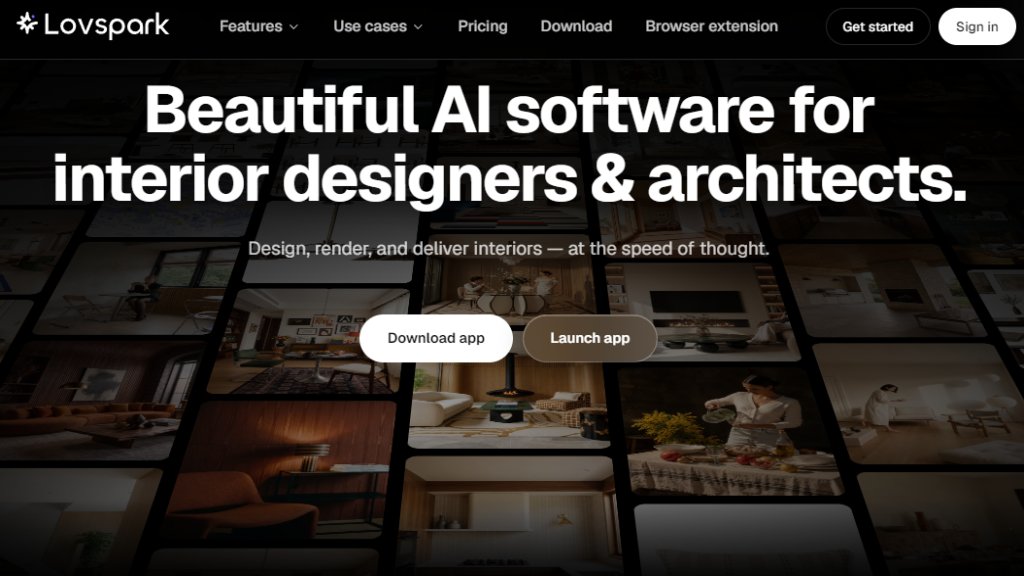
Lovspark is a powerful AI software designed specifically for interior designers and architects. It enables professionals to design, render, and deliver interior projects at the speed of thought. With a focus on speed and precision, Lovspark offers a comprehensive suite of tools, including virtual staging, material swapping, and product library integration. It allows users to transform raw spaces into styled renders, generate multiple design directions from a single prototype, and create professional moodboards with verified PANTONE colors. The platform supports a collaborative canvas for team workflows, automated material lists, and design reports, making it a complete solution for modern design studios.
Main Features
- Virtual Staging: Transform raw spaces into styled interior design renders with structure preserved.
- Multi-node Workflow: Build visual design pipelines connecting ImageGen, Video, and Refine on one canvas.
- Product Library: Build a studio's own product library with real catalog items, AI-placed into renders.
- Targeted Material Swap: Edit materials in a specified area without affecting surrounding structure.
- Ambience Shift: Transform space lighting, mood, and atmosphere.
- AI Remodel Visualizer: Generate realistic remodel visuals from an old home image and style reference.
- Product Variations: Generate nine different design directions from one prototype.
- Add People: Place a character into a space, matching lighting, perspective, and atmosphere.
- Seasonal Ambience Shift: Transform window views and outdoor scenes by season.
- Spatial Storyboard: Turn a single space image into multi-view storyboards and AI video storytelling.
- Space to Axonometric: Generate 3D axonometric renders to visualize layout and zoning.
- Material Extraction Analysis: Create material analysis maps detecting materials and furnishings.
- Finish Palette Render: Generate material, color, and finish variations from a style reference.
- Scene to Moodboard: Generate professional moodboards with verified PANTONE color references.
- AI Material Lists: Auto-generate FF&E schedules and BOM from finished renders.
- AI Design Reports: One-click compile room-by-room reports with photos, supplier info, and lead times.
Use Cases
- Interior Design: Quickly transform white models or bare-shell rooms into diverse design directions for client presentations.
- Product Design: Generate high-quality marketing visuals from product cut-outs, reducing rendering and photography costs.
- Soft Furnishing: Swap soft-furnishing styles over existing home finishes to preview schemes and shorten pitch-to-proposal time.
- Virtual Staging: Stage empty spaces with real catalog products for real estate listings or client walkthroughs.
- Design Collaboration: Use the collaborative canvas for team projects with comments, sticky notes, and docs.
- Client Proposals: Generate professional moodboards and design reports with product details for client-ready PDFs.
Supported Languages
- English
Pricing Plans
- Creator Monthly: $4.99 for the first month, then $19.99/month. Includes 2,000 credits/month, standard render priority, up to 6 parallel render jobs, 10GB project storage, 20 clean exports/month, image exports up to 2K, video exports up to 720P, and commercial use for client drafts.
- Pro Monthly: $9.99 for the first month, then $44.99/month. Includes 5,000 credits/month, priority render processing, up to 12 parallel render jobs, 100GB project storage, unlimited clean exports, image exports up to 4K, video exports up to 1080P, and commercial use for client work.
- Max Monthly: $19.99 for the first month, then $99.99/month. Includes 12,000 credits/month, highest render priority, up to 20 parallel render jobs, 500GB project storage, studio-scale production capacity, and commercial use for client work.
Frequently Asked Questions
- Which plan is right for me? Free is best for trying things out. Basic suits regular hobby use. Pro is built for working designers and small teams. Max is for studios and heavy producers.
- Can I switch plans later? Yes, you can switch plans at any time.
- What are credits and how are they used? Credits are used for AI processing tasks like generating renders or videos. Each task consumes a certain number of credits based on complexity.
- Do I get commercial usage rights? Yes, commercial use is included in all paid plans for client work.
- How do I cancel? You can cancel your subscription at any time from your account settings.
- Is my work private? Yes, your projects and data are private and secure.
Pros and Cons
Pros:
- Comprehensive AI toolset for interior design and architecture.
- Fast rendering and design generation.
- Real product library integration for accurate staging.
- Collaborative canvas for team workflows.
- Automated material lists and design reports save time.
Cons:
- Limited language support (only English).
- Credits system may require monitoring for heavy users.
- No free tier mentioned; only



Please login to post a comment
Login