What is SupaTools.AI?
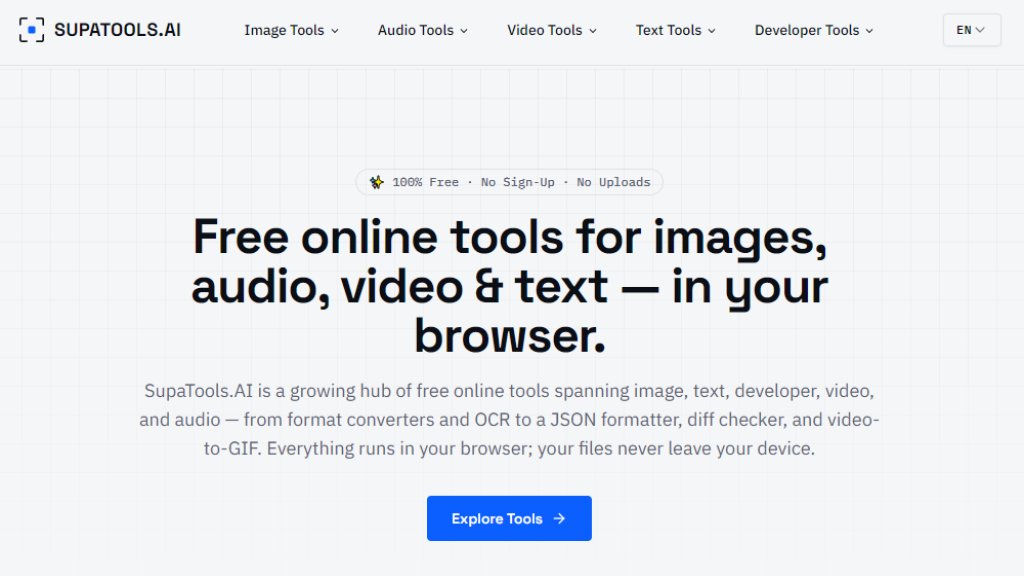
SupaTools.AI is a free online collection of tools for image, audio, video, text, and developer tasks. All tools run locally in your browser, so files never leave your device. No registration or uploads are required, ensuring privacy and security. It offers format conversion, resizing, OCR text extraction, word counting, JSON formatting, video-to-GIF, and audio conversion, all without cost.
Main Features
- Image conversion: Supports WebP to PNG, PNG to JPG, JPG to PNG, SVG to PNG, HEIC to JPG, and more.
- Image processing: Resize images freely with custom width and height.
- Text extraction: Extract text from images using OCR.
- Text tools: Word count including characters, sentences, and reading time.
- Developer tools: JSON formatting, validation, and minification; text diff comparison.
- Video tools: Convert video clips to GIF animations.
- Audio tools: Convert M4A audio files to MP3 format.
Use Cases
- Daily office work: Quickly convert image formats and resize images.
- Development and debugging: Format JSON code and compare text differences.
- Content creation: Extract text from images and create video GIFs.
- Audio processing: Convert audio formats for playback or editing.
- Writing and editing: Count article words and optimize content.
Supported Languages
- English
- Spanish
Pricing Plans
- All tools are completely free, no registration required, no hidden fees.
Frequently Asked Questions
- What is SupaTools.AI?
SupaTools.AI is a free online collection of tools for image, audio, video, text, and developer tasks.
- Are these tools really free?
Yes, all core tools are permanently free with no credit system.
- Do I need to create an account?
No, no registration or login is required to use the tools.
- Is my data private and secure?
Yes, all processing is done locally in your browser; files are never uploaded to any server.
- Which browsers are supported?
Modern browsers like Chrome, Firefox, Edge, and others.
- Can I use it on my phone?
Yes, SupaTools.AI works on mobile devices as well.
Pros and Cons
Pros:
- Completely free, no registration needed.
- All processing is local, ensuring privacy and security.
- Wide variety of tools covering image, audio, video, text, and development.
- Simple to use: upload a file and get results quickly.
Cons:
- Some advanced features may be limited.
- The number of tools is still growing and not yet extensive.
Recommendation Rating
8/10 (Free and privacy-friendly, ideal for quick daily file tasks, but tool variety could expand.)



Please login to post a comment
Login