What is AI Toolbox Video Splitter?
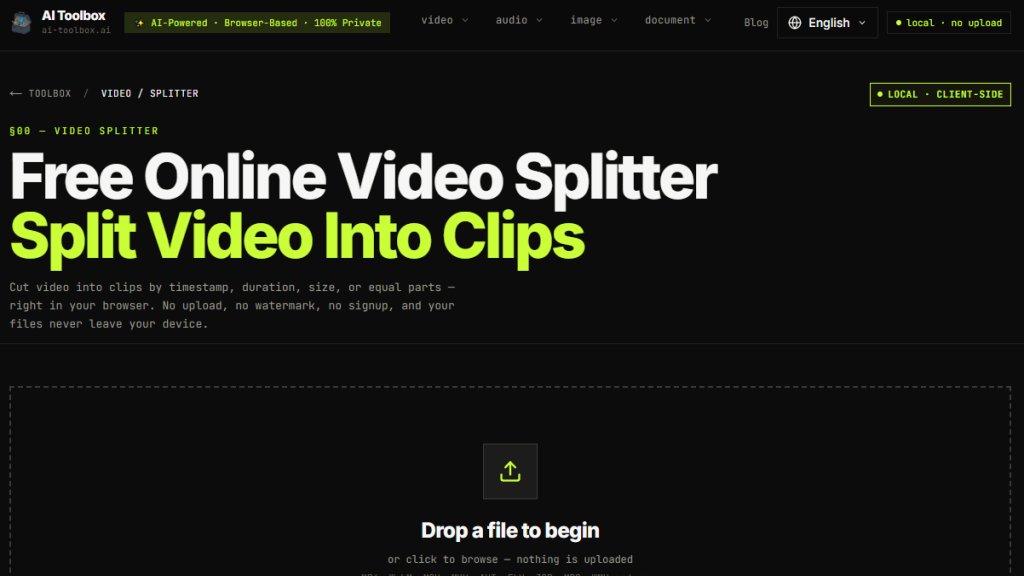
AI Toolbox Video Splitter is a free online tool that lets you split videos into multiple clips directly in your browser. It supports four splitting methods: manual timestamps, equal parts, fixed duration, and target file size. All processing happens locally using WebAssembly-compiled FFmpeg, meaning your files never leave your device. No registration, no watermark, and no file size limits. It works with common formats like MP4, WebM, MOV, MKV, and AVI, and offers a Fast Mode for instant splitting by copying streams without re-encoding.
Main Features
- Four splitting modes: manual timestamps, equal parts, duration-based, and size-based.
- Fast Mode for instant splitting using stream copy without re-encoding.
- Advanced Mode for frame-accurate cuts and format conversion.
- 100% local processing: files never uploaded to any server.
- No watermark, no signup, no file size limits.
- Supports multiple video formats: MP4, WebM, MOV, MKV, AVI, FLV, 3GP, MPG, WMV, and more.
- Preview player to verify segments before exporting.
- Export options: MP4, WebM, MOV, MKV, AVI with quality settings (High, Medium, Low).
- Works on desktop and mobile browsers (best on Chrome/Edge).
- Fast Mode preserves metadata and all audio tracks.
- Privacy-focused: no tracking, no server logs, close tab to erase everything.
Use Cases
- Splitting long lecture recordings into equal chapters for easier review.
- Cutting social media videos to fit platform limits (e.g., Instagram Reels at 90 seconds, TikTok at 10 minutes).
- Dividing screen recordings into smaller clips for sharing or editing.
- Splitting large video files into size-limited chunks for upload to messaging apps or email.
- Extracting specific scenes or moments from a video for highlights or compilations.
- Breaking down 4K or high-resolution videos into manageable segments without quality loss using Fast Mode.
Supported Languages
The tool interface is available in English, Chinese (Simplified), Japanese, Korean, French, Spanish, German, and Russian. The website content and FAQ are primarily in English, but the tool itself can process videos in any language since it works with video files directly.
Pricing Plans
- Free: All features are completely free with no limits on file size or number of clips. No registration required. No watermark added. No hidden costs.
Frequently Asked Questions
Q: Is it safe to split video online?
A: Yes, everything processes locally in your browser. Your video files are never uploaded to any server, ensuring complete privacy and security.
Q: What video formats can I split?
A: You can split MP4, WebM, MOV, MKV, AVI, FLV, 3GP, MPG, WMV, and many others. The tool automatically detects the format.
Q: How do I split video into equal parts?
A: Select 'Equal Parts' mode, choose the number of segments, and click Split Video. The tool automatically divides the video into equal-length clips.
Q: Can I split video files of any size?
A: Yes, since processing happens locally, there is no file size limit imposed by servers. Your computer's memory is the only constraint.
Q: What's the difference between Fast Mode and normal mode?
A: Fast Mode splits instantly using stream copy without re-encoding, but cuts may snap to the nearest keyframe. Normal mode re-encodes for frame-accurate cuts and allows format/quality changes.
Q: Does this work on mobile devices?
A: Mostly. Chrome on Android handles moderate-size videos well. iOS Safari is slower due to limited WASM performance. For large 4K files, a desktop browser is recommended.
Pros and Cons
Pros:
- Completely free with no hidden limits or watermarks.
- 100% private; files never leave your device.
- Fast Mode for instant splitting without re-encoding.
- Supports a wide range of video formats.
- No registration or signup required.
- Multiple splitting methods for different needs.
- Works offline after page load.
Cons:
- Fast Mode cuts may not be frame-accurate (snaps to keyframes).
- Re-encoding can be slow for large or high-resolution files.
- Not all browsers perform equally; iOS Safari and Firefox may be slower.
- No built-in merging or advanced editing features.
Recommendation Rating
9/10 (Excellent free tool for quick, private video splitting with multiple modes and no uploads; minor limitation on frame accuracy in fast mode.)



Please login to post a comment
Login