What is Floor Plan AI?
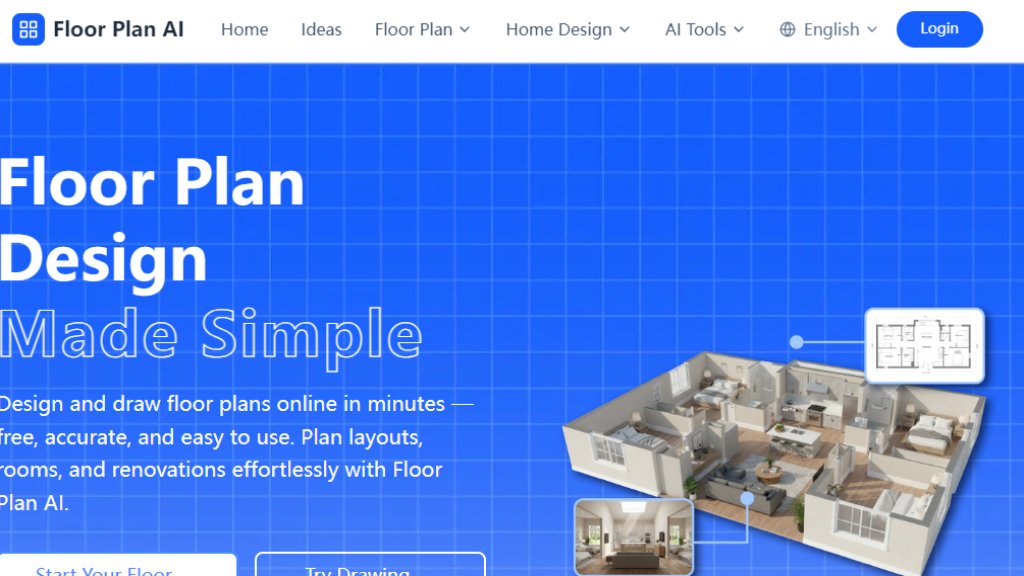
Floor Plan AI is an innovative online tool that simplifies architectural and interior design planning. It allows users to create detailed, accurate floor plans through an intelligent, automated system. The platform is designed for architects, designers, homeowners, and contractors who need to visualize spaces quickly and professionally. Users can start from scratch, upload existing layouts, or describe their space in text to generate multiple layout options instantly. The tool combines professional architectural principles with smart automation to deliver realistic, practical, and well-balanced blueprints. It operates entirely online with a responsive interface accessible on desktop, tablet, or mobile devices, requiring no software installation. All projects are securely stored in the cloud with version history and real-time synchronization.
Main Features
1. Intelligent Floor Plan Generator: Create professional layouts based on text prompts describing room types, sizes, and arrangements.
2. Smart Layout Design Engine: Trained on thousands of architectural layouts to ensure accuracy, creativity, and proper spatial balance.
3. Fast Automated Generation: Produce multiple layout options in under three seconds for quick concept sketches and drafts.
4. Collaborative Workspace: Invite team members to edit, share feedback, and visualize arrangements together in real time.
5. Secure Cloud Management: Enterprise-grade encryption for all plans with automatic backup, version control, and uninterrupted access.
6. Cross-Platform Accessibility: Responsive interface for seamless design work on desktop, tablet, or mobile devices.
7. Extensive Style Library: Supports over 50 architectural and interior design styles, from minimalist to industrial.
8. Precision Tools: Advanced spatial reasoning and measurement logic ensure 99.8% accuracy in proportions and ready-to-build plans.
Use Cases
1. Home Renovation Planning: Homeowners can design and visualize layout changes for apartments, houses, or specific rooms before starting construction.
2. Architectural Drafting: Professionals use it for early-stage client drafts, concept sketches, and efficient space planning.
3. Interior Design Projects: Designers experiment with furniture placement, room arrangements, and style variations for clients.
4. Real Estate Visualization: Agents and developers create clear, attractive floor plans for property listings and marketing materials.
5. Contracting and Construction: Contractors share editable plans with clients and teams to align on project specifications and reduce errors.
6. Educational Purposes: Students and enthusiasts learn architectural principles by experimenting with automated layout generation.
Supported Languages
1. English
Pricing Plans
1. Free Plan: Allows users to start designing floor plans with basic features, no signup required, and instant previews.
2. Paid Plans: The website mentions credit usage (e.g., 'Generate Floor Plan (1 Credits)') for advanced features like the Pro model generation, but specific pricing tiers, amounts, and subscription details are not explicitly listed on the analyzed pages.
Frequently Asked Questions
1. Q: How does Floor Plan AI work?
A: The intelligent system analyzes your text or image inputs, understands room dimensions and requirements, and generates optimized layout blueprints instantly.
2. Q: Can I use the generated layouts for construction?
A: The tool is built with advanced spatial reasoning for accuracy, but users should consult with licensed professionals for final construction documents.
3. Q: What types of spaces and styles are supported?
A: It supports various spaces like apartments, houses, offices, restaurants, and over 50 architectural and interior design styles.
4. Q: Who owns the layouts I create?
A: Users retain ownership of the layouts they create on the platform.
5. Q: Can I edit my plan later?
A: Yes, all plans are stored in the cloud with version history, allowing you to edit and revisit previous iterations.
6. Q: Is there a mobile version?
A: Yes, the platform has a responsive interface that works smoothly on mobile devices and tablets.
Pros and Cons
Pros:
1. Extremely fast generation of multiple layout options in seconds.
2. User-friendly interface requiring no prior design expertise.
3. High accuracy rate (99.8%) and professional-quality results.
4. Strong collaboration features for team-based projects.
5. Secure cloud storage with version history and cross-platform sync.
6. Free to start with no immediate signup required.
Cons:
1. Specific pricing details for advanced features are not transparently displayed.
2. Primarily supports only the English language.
3. May require professional verification for official construction blueprints.
Recommendation Rating
8/10 (A powerful and intuitive tool for fast, professional floor plan creation, though clearer pricing information would improve user experience.)



Please login to post a comment
Login